PRESENTATION AND INSTALLATION GUIDE – SN RANGE
APPENDIX H: CONFIGURATION AND ADMINISTRATION VIA IPMI (SN6000)
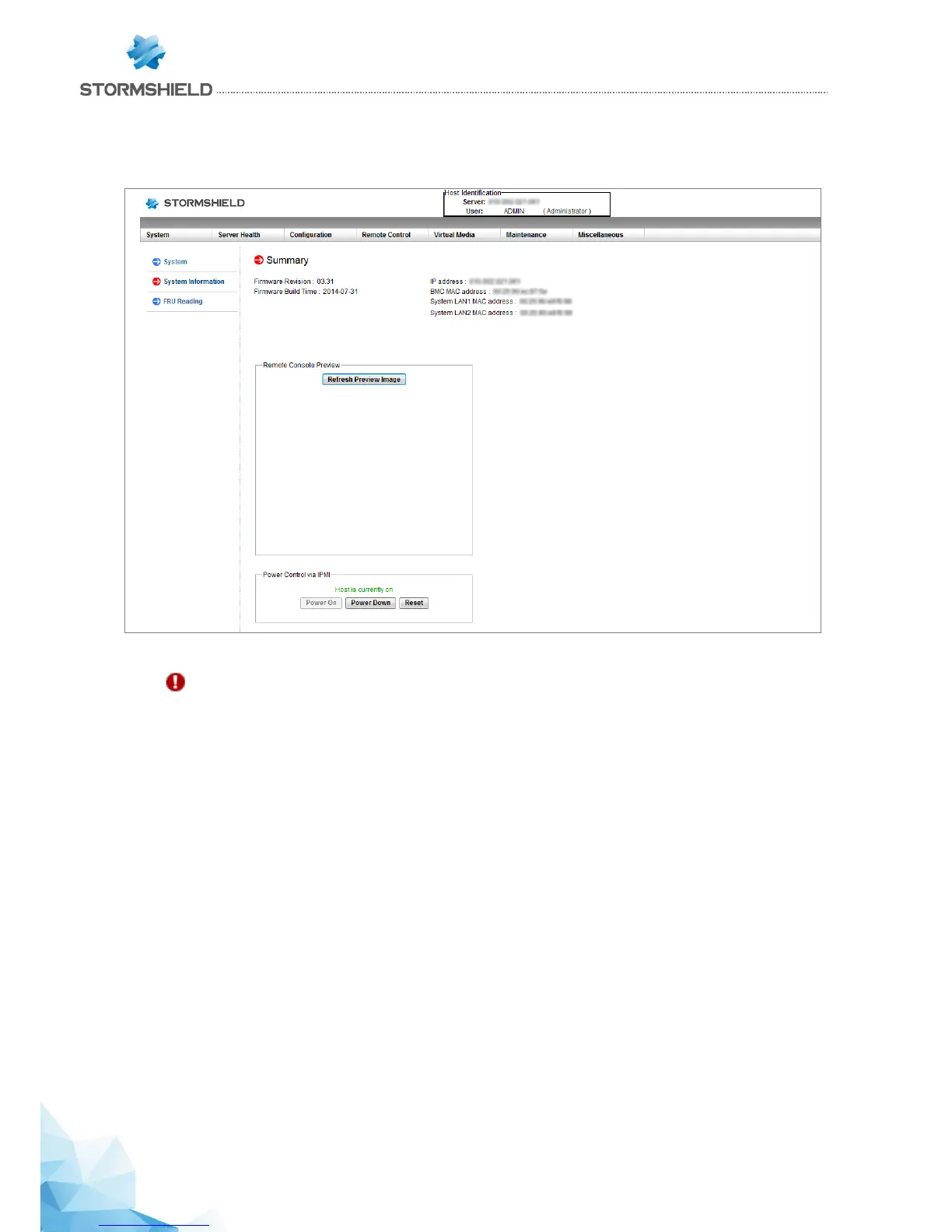
The dashboard of the web interface will look like this:
IMPORTANT
Change the “ADMIN” administration password immediately in the menu Configuration/Users. You are
further advised to place the IPMI interface on a dedicated administration network.
If necessary, the following Supermicro documentation will provide a detailed description of the motherboard
(page 23, section 1-9) : http://www.supermicro.com/manuals/motherboard/C606_602/MNL-1306.pdf
For the full description of IPMI, please refer to this document:
http://www.supermicro.com/manuals/other/SMT_IPMI_Manual.pdf



 To Next Page