24
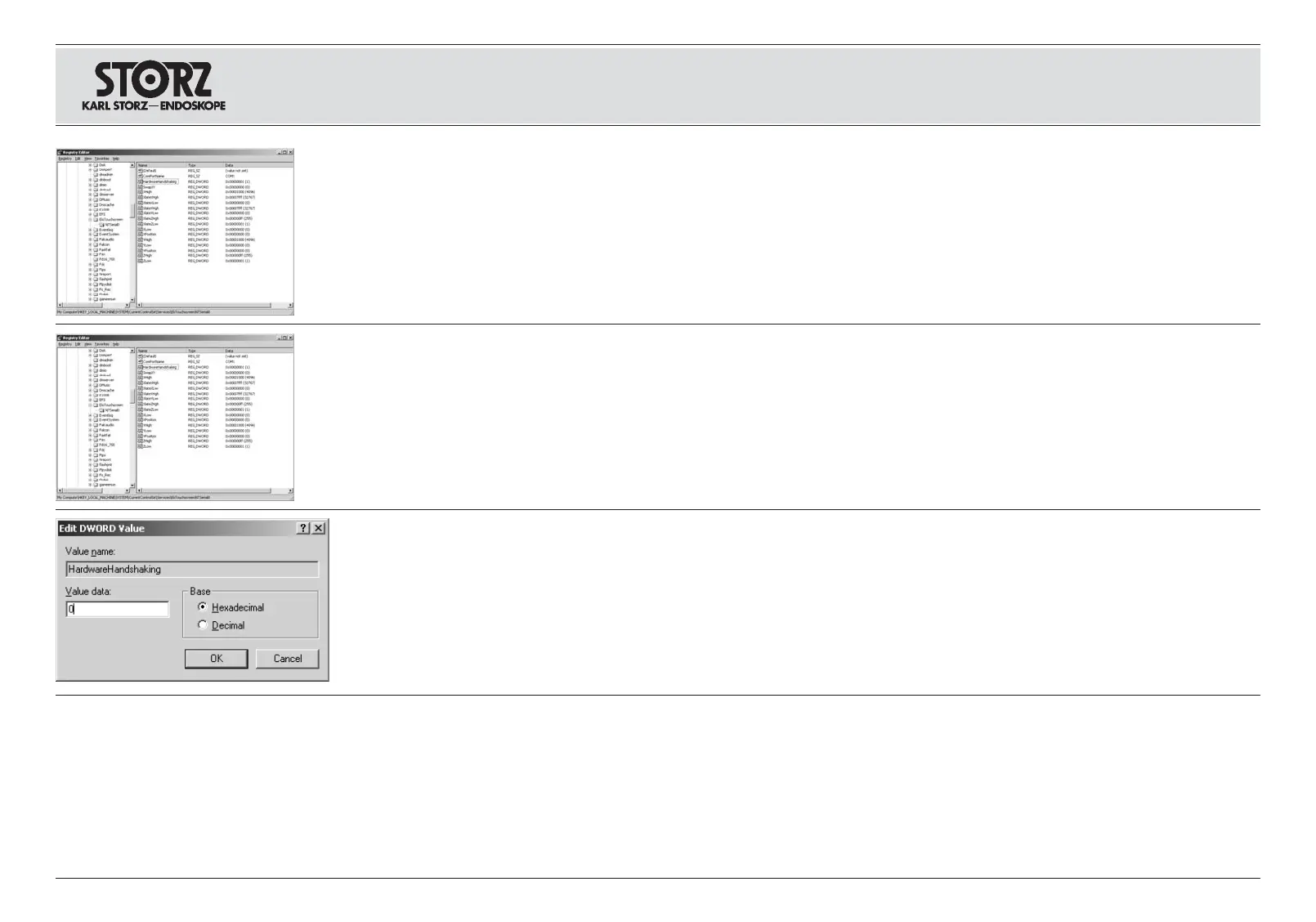
Wählen Sie im Fenster
Registrierungs-Editor
den
Ordner
HKEY_LOCAL_MACHINE\SYSTEM\
CurrentControlSet\Services\EloTouchscreen\
NTSerial0
.
Select the folder
HKEY_LOCAL_MACHINE\
SYSTEM\CurrentControlSet\Services\
EloTouchscreen\NTSerial0
in the
Registry
Editor
window.
Seleccione en la ventana
Editor de registración
la
carpeta
HKEY_LOCAL_MACHINE\
SYSTEM\CurrentControlSet\Services\
EloTouchscreen\NTSerial0
.
Doppelklicken Sie auf den Eintrag
HardwareHandShaking
.
Double click on the entry
HardwareHandShaking
. Haga doble clic sobre el ingreso
HardwareHandShaking
.
Setzen Sie im Fenster
DWORD-Wert bearbeiten
den Wert auf
0
und bestätigen Sie die Einstellung,
indem Sie auf die Schaltfläche
OK
klicken.
Set the value to
0
and confirm this setting by
clicking on the
OK
button in the
Edit DWORD
Value
window.
En la ventana
Procesar valor DWORD
ponga el
valor a
0
y confirme el ajuste haciendo clic para ello
sobre el botón
OK
.
Beenden Sie den
Registrierungs-Editor
und star-
ten Sie Ihren Rechner neu.
Exit the
Registry Editor
and reboot your computer. Cierre el
Editor de registración
y arranque
nuevamente su ordenador.
Installation and
operating instructions
touch screen monitor
Aufstellen und
Bedienungshinweise
Touch Screen Monitor
Montaje e
instrucciones operativas
monitor de pantalla táctil














 To Next Page