18
11. CLEANING NOTES
The following recommendations refer to the scanner, the standard PC housing,
the plastic housing, and the LCD monitor with surface made of coated and/or
painted plastic.
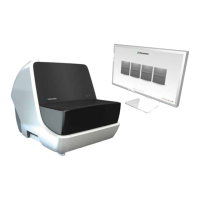
Cleaning of scanner
p Use a damp towel to clean the outside of the scanner. Please make sure
that the scanner is unplugged while doing so.
p Use a dry towel to clean the inside of the scanner. Do NOT use any
wet or damp towels to clean the inside. Do NOT use compressed air to
clean the inside.
Damp cleaning of monitor
p If you damp clean an electrical device, always switch the device off first
and disconnect it from the power supply. After cleaning let the device dry.
p Never use aggressive cleaning agents such as thinners, scouring liquid,
wax, petroleum, spirit, spray cleaners, acids or alkalis. Do not use any hard
or rough cleaning media such as scouring sponges. These can destroy
the coating of the screens.
p A damp cloth is sufficient for cleaning (microfiber cloth recommended).
Be sure to wring out the cleaning cloths well so that no excess water can
get to sensitive electronic components. The screen surface should be
cleaned with as little pressure as possible to avoid abrasion of the coating.
p If you use a special screen cleaner, never spray it directly on the device,
but spray on the cloth instead. Fine spray mist could possibly reach sensi-
tive components. Under no circumstances should you wipe off the screen
surface with paper towels since these are too hard and scratch
the surface.


 To Next Page