20
Important: The scanner needs to be in parking posi-
tion and locked to ensure safe transportation (please
note that the actual transportation packaging may vary
from the following illustrations).
1. In order to park the scanner, please open the software
and go to Scanner in the task line. Click on
Scanner in parking position. This puts the scanner
in the parking position for transportation.
2. Lock the scanner with the one transportation lock on
the right side and the two locks on the back of the
scanner (see description in chapter 6.3, including the
symbol indicating the correct locking position).
Foam parts for transportation
It is necessary to use the original packaging components
for the safe transportation of the scanner.
Straumann
®
CARES
®
Scan CS2 – Packaging overview
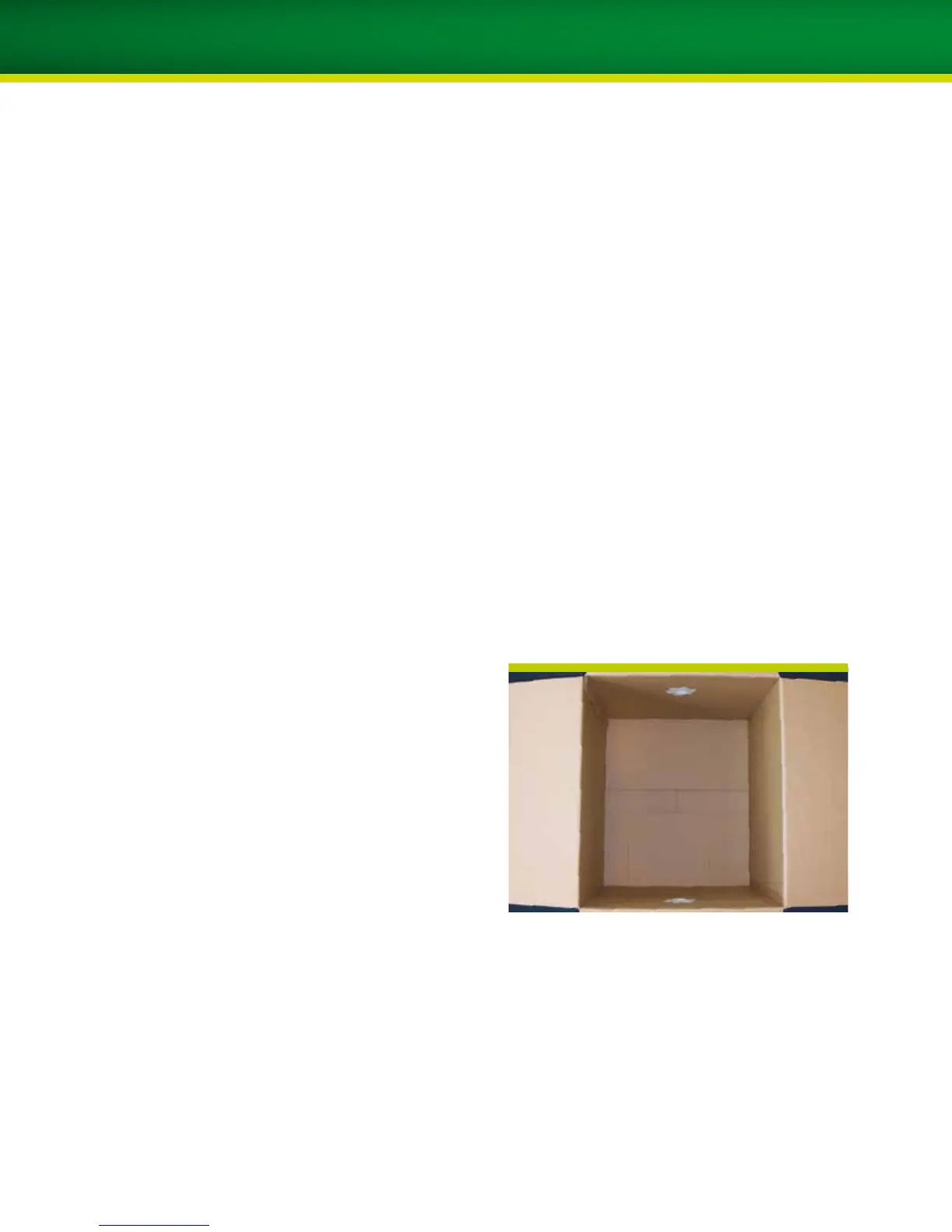
Transportation box for the Straumann
®
CARES
®
Scan CS2
scanner
12. PREPARATION FOR TRANSPORTATION (PACKING OF THE SCANNER)


 To Next Page