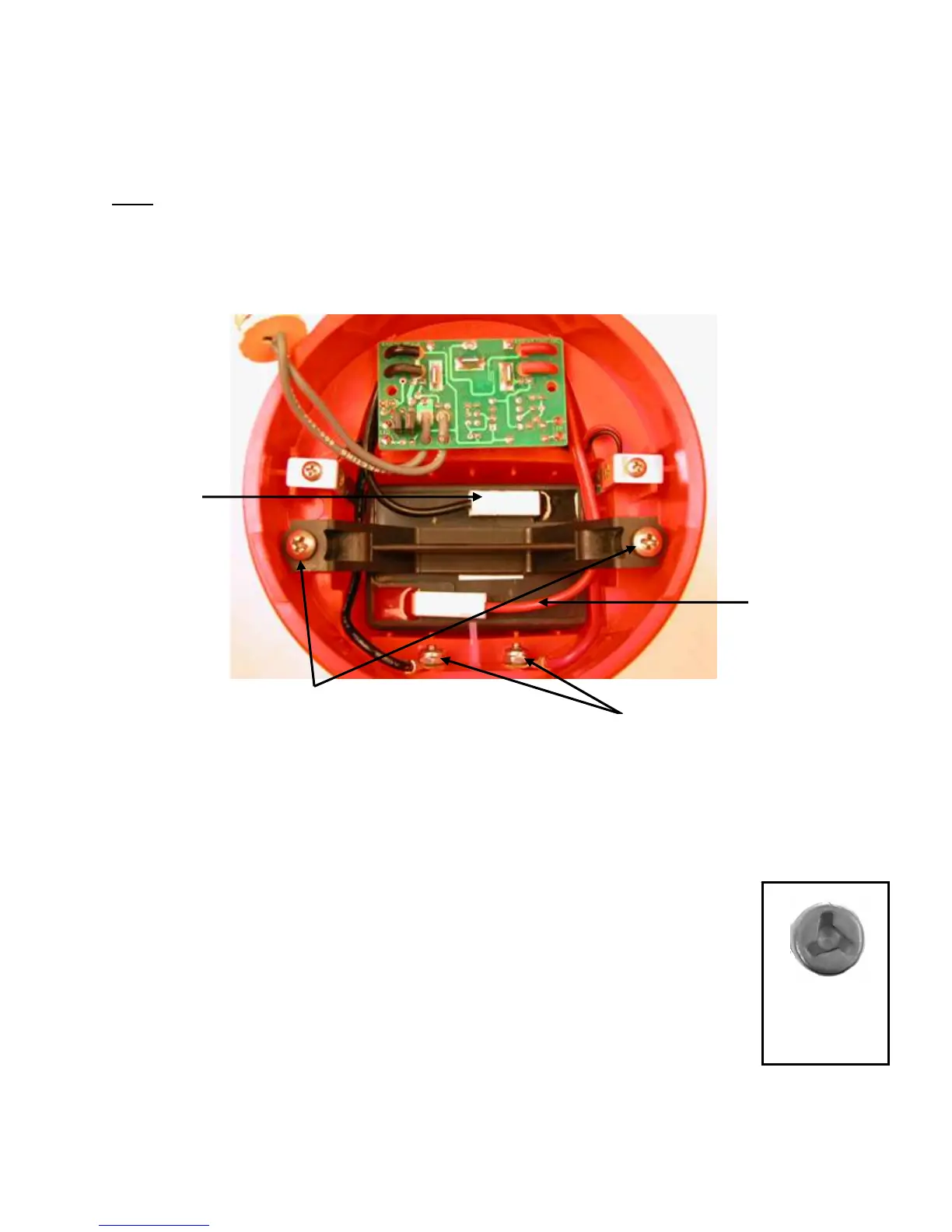
Toggle Switch/PCB Removal
Note: As you remove the toggle switch/PCB, note the routing of battery and charge leads.
A. Unscrew the two Phillips mounting screws which secure the battery clamp and remove
the battery clamp.
Battery Clamp
Screws
Positive
Battery
Lead
Battery
Clamp
Negative
Battery
Lead
Charge Contacts and
Lock Nuts
B. Remove the negative (black) lead from the battery and remove the positive (red) lead
from the battery.
C. Remove the battery from the flashlight body.
Tri-Wing
Screw
D. Remove the leads from the charge contacts.
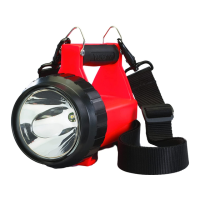
1. Fire Vulcans utilize a special contact screw and require
a # 3 Tri-Wing driver (P/N 440051) to hold the charge contact
screw for disassembly.
2. Use a 5/16" wrench to loosen the lock nuts.
- 38 -


 To Next Page