27
Press
Device
007-Skyfall Batman Begins Focus (2015)
VideoPictureMusic
to open menu
Search Home Discover Apps
With Smart Player you can reproduce video, audio or picture les of supported formats from your USB
storage devices on your TV screen.
Note: If, for any reason, you do not want to use built-in Smart Player application, you could enter to
Google Play Store and install any of available media players (i.e. MX Player, VLC Player, etc.).
Note: Support (or non-support) of Multimedia les depend not only on your TV, but also on application,
which will be used for playback. Dierent Multimedia applications could contain built-in abilities to
support various formats and types of Multimedia les.
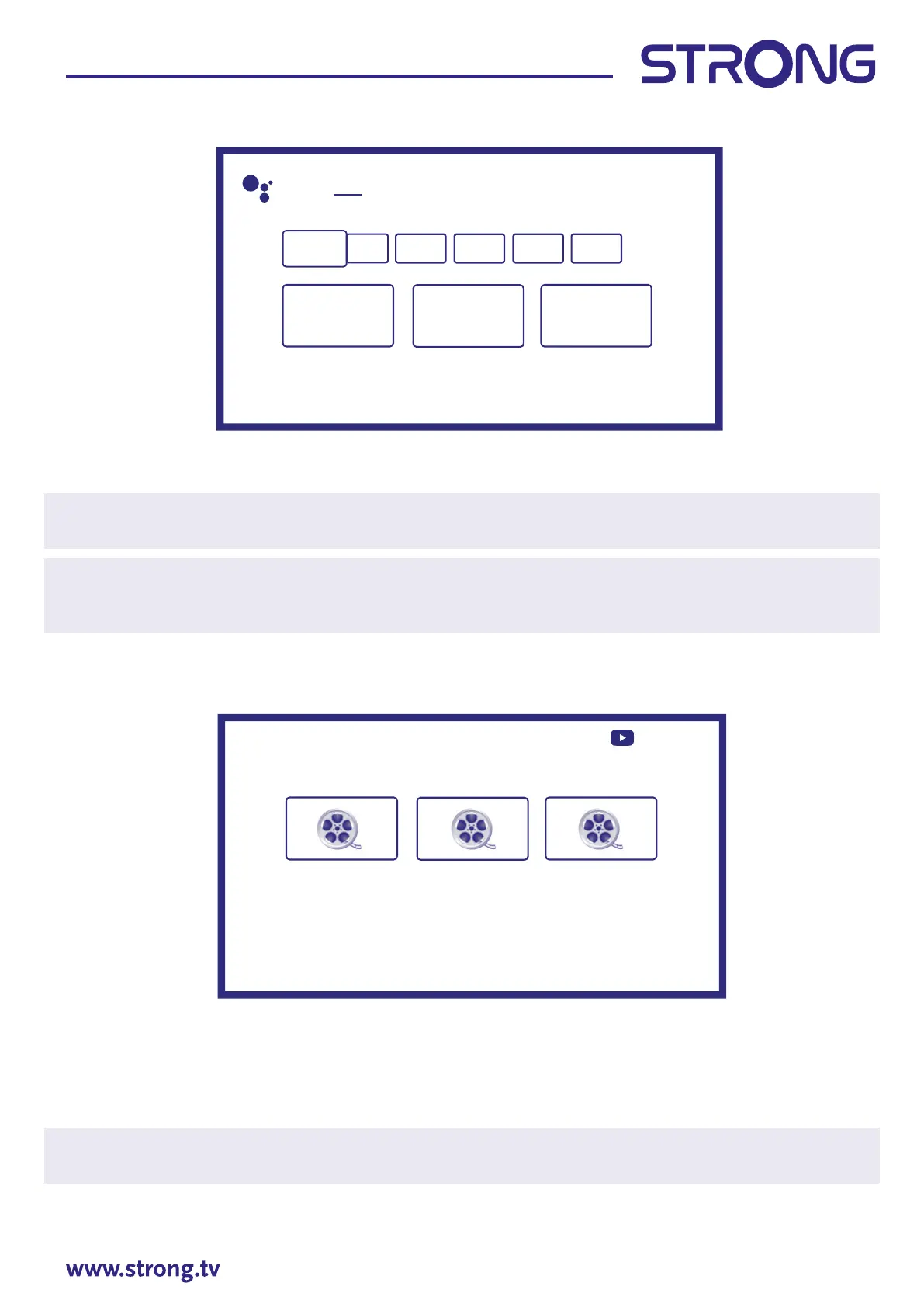
Connect a USB storage device to the USB port, run Smart Player and select the types of media on the
Multimedia selection part of screen: Video, Picture or Music. In Device you can select the device containing
the les to be played.
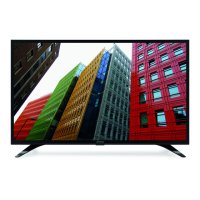
Your TV will collect all supported les of selected media type and will show them in one list.
Use and to select le.
Press OK for playback.
During playback you could use Multimedia buttons on your RCU or use on-screen commands, available
from menu by button.
Note: By choosing one of the media types, for example Video, the list will display only compatible media
les and no other les of other types.
TV remember les, which were opened earlier for playback, and show them as Playlist line.



 To Next Page