PART 1 • English
6
3.3 Remote Control
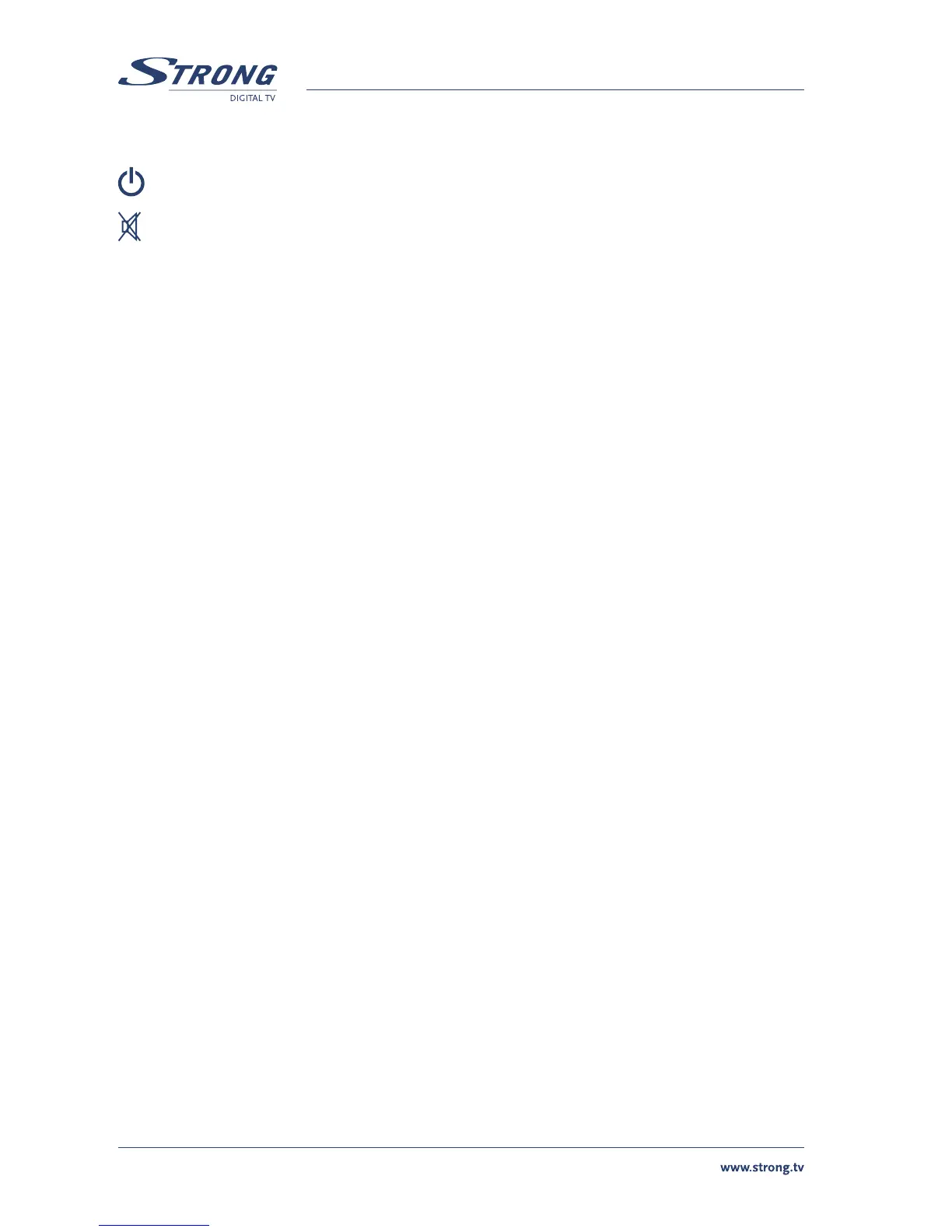
Turns the receiver On/Standby
Mutes audio output of the receiver
AV Toggle between TV and AV mode
0 ~ 9 Channel selection
FAV Toggle Favourite mode ON / OFF
TV/R Toggle between TV or RADIO mode
MENU Opens the main menu
INFO Shows information of the current channel
EPG Shows the EPG (Electronic Program Guide) during No-menu state only
EXIT Exits from the menu or sub-menu and cancels the progressing function if applicable
pq Menu Off: Change the current program to the previous/next program
Menu On: Moves the cursor up/down
tu Menu Off: Increases/decreases the volume level
Menu On: Change the setting values in specific Menu item
OK Activates the highlighted menu item. Displays a channel list according to TV / Radio Mode
V+ / V- Use to increase or decrease the receiver volume level
P+ / P- Page up and down in menu list
MOSAIC Show pictures of 9 channels on the screen
PAUSE Freeze/Resume picture
AUDIO Shows list of available audio languages for the channel you are watching. In addition it
sets the current channel audio to stereo ((•)), left-mono ((• or right-mono •))
EDIT Program edit
TEXT Shows current service’s Teletext on OSD (On Screen Display)
SUB Show list of subtitled languages current channel is supporting
RECALL Switches back to previous channel
4.0 FIRST TIME INSTALLATION
Make sure your terrestrial receiver is connected correctly to your TV and terrestrial antenna and the
signal quality is good enough. Confirm the power plug of the receiver is plugged into the wall outlet.
Turn on the receiver.
It is recommended to perform the first time installation following the Installation Wizard step by
step. This will help you to easily achieve system configuration and channel installation. If you are a
professional installer then you can skip the wizard by pressing EXIT button and set-up the channels
using the Channel Search menu.
1 You are asked to Select a Language out of the list.
Press UP/DOWN to choose your language, press OK to confirm.



 To Next Page