Menus
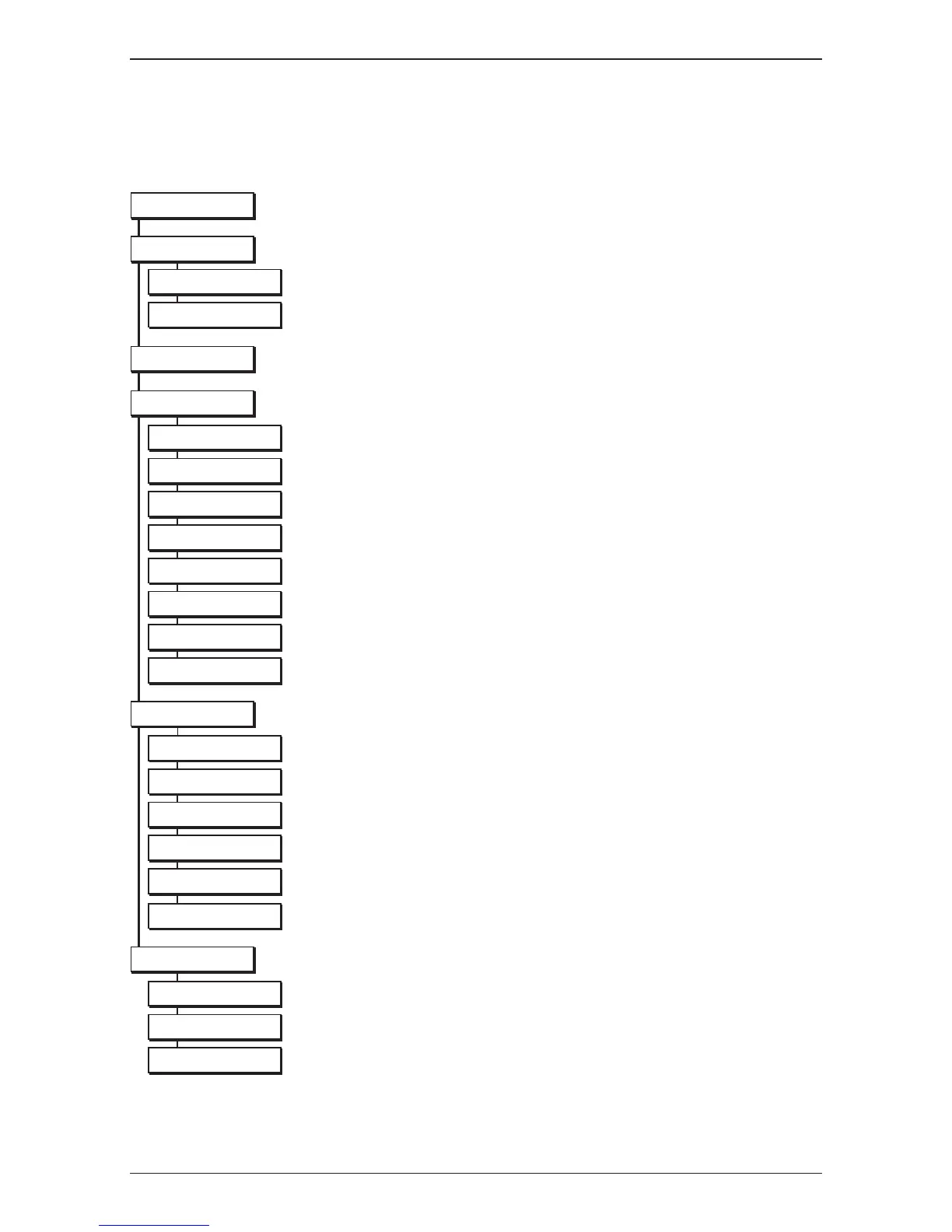
Charts of the menu
For detailed information about channels, electronic programme guide, timers and some setup
parameters consult the following pages.
Menu language, audio and subtitle preferences.
Banner time out, transparency level, DC power, subtitling.
Change PIN code, decoder lock.
TV formatandresolution,HDMI,TV/videostandards,S/P-DIFandzoommode.
Automatic scanning or transport installation.
Check whether a new software version is available on air.
Restore factory settings.
On/off, alarm time, timer list.
Informationonthedecoder(usageidetc..)
Signal power and quality.
To consult the e-mail list.



 To Next Page