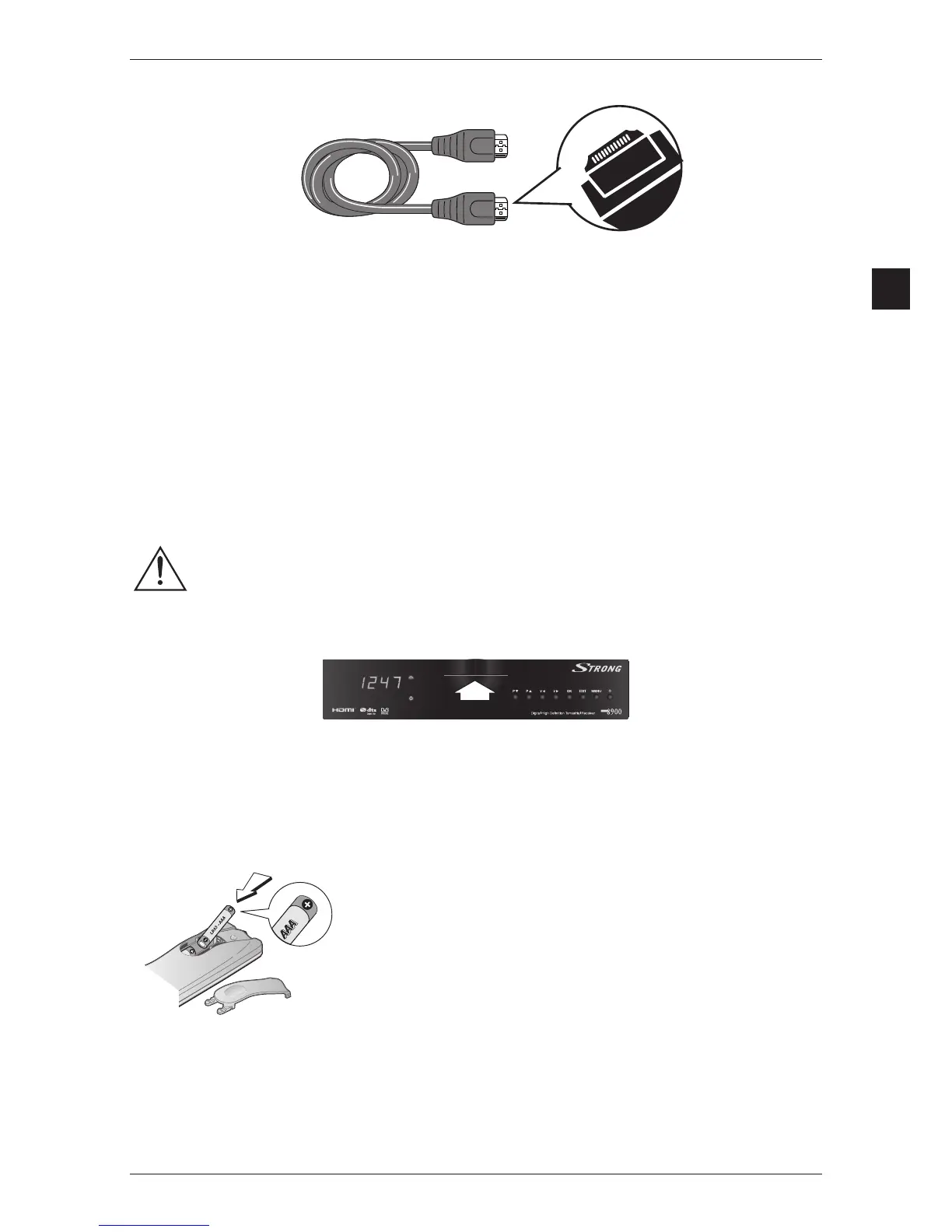
Ensure the best HD connection
To ensure the best image quality
using an “HD ready” or “Full HD” TV screen, all you need is an HDMI lead to connect the HDMI
portonyourset-topboxwiththeoneonyourTV.
Your TV has no HDMI port but has one DVI-I port.
You will need:
•
1HDMI-DVIleadtoconnecttheHDMIportonyourset-topboxandtheDVI-IportonyourTVset.
• 1audioRCAtoconnecttheLeftandRightanalogaudiooutputsonyourset-topboxwiththe
audio inputs on your TV set.
Your TV has neither HDMI port nor DVI port
You will be able to watch HD programmes but not in HD quality. You can still enjoy all TV programmes
in digital quality using the supplied scart lead.
Via the Scart, the VCR/DVD player will receive only analogue standard definition video.
You would not be able to record in HD.
Inserting the smartcard
Hold your smartcard with the golden chip up in front of the slot. Insert your smartcard into the slot as
far as it will go without forcing it.
Inserting batteries
Figure 2: Inserting batteries
*
*
Please respect the environment and prevailing regulations. Before you dispose of batteries or accumulators, ask
your dealer whether they are subject to special recycling and if they will accept them for disposal.
•Donotmixdifferenttypesofbatteriesornewandoldbatteries.
Do not use rechargeable batteries.
•In order to avoid any risk of explosion, observe the polarities
indicated inside the battery compartment.
Replace only with the
type of batteries specified above. Do not dispose of them in a fire or
recharge them.
•Ifyouarenotusingtheremotecontrolforalongperiodoftime,
remove the batteries.



 To Next Page