18
Setting Up the Coupler
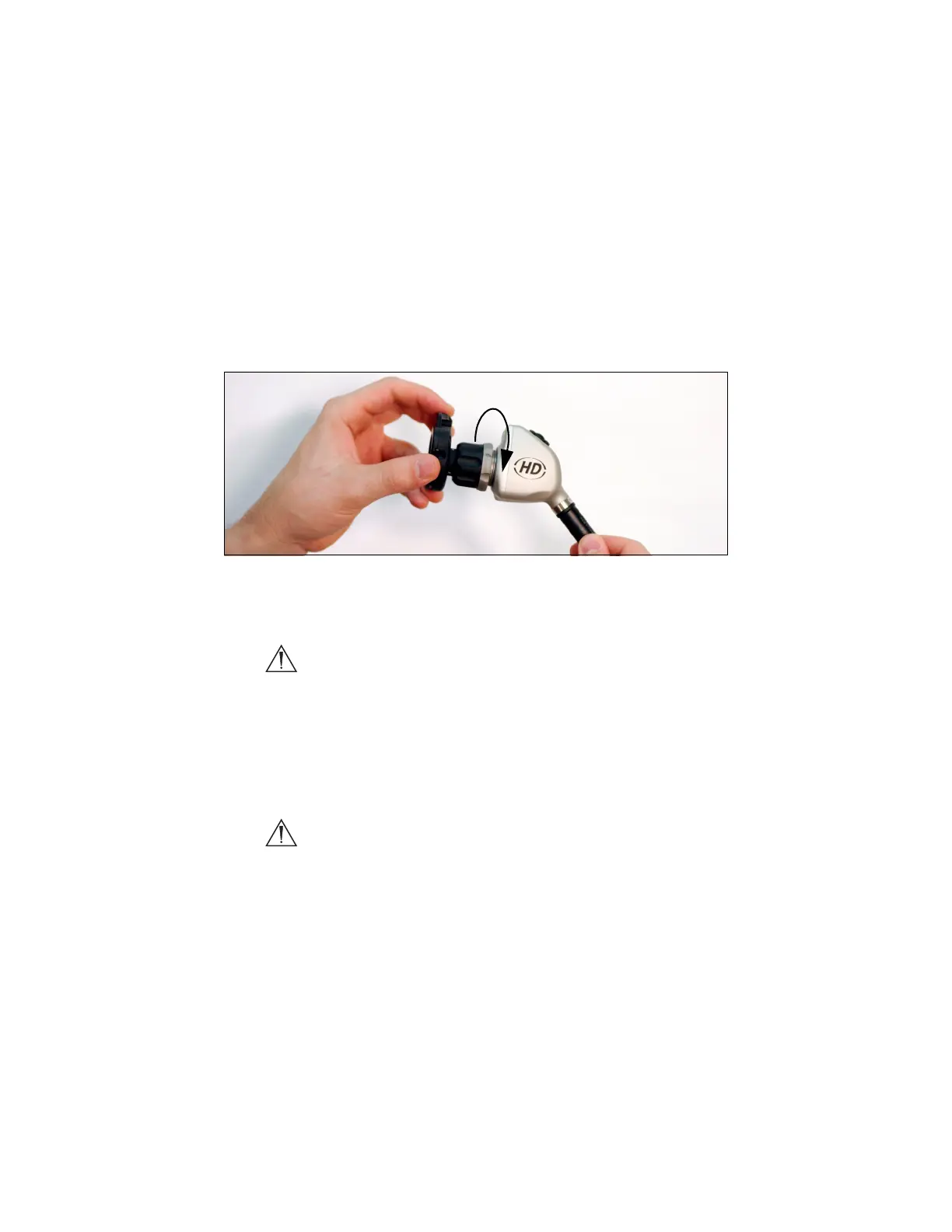
1. Attach the coupler to the camera head.
• Twist the camera end of the coupler into the camera head
(clockwise) until it forms a tight seal (see Figure 5).
Figure 5: Attaching a coupler to the camera head
Caution Do not overtighten the coupler, as this may damage
the front window of the camera.
Note For direct-coupled scopes (scopes that require no coupler),
thread the endoscope directly into the camera head until it
forms a tight seal.
Caution Do not overtighten a direct-coupled scope, as this may
damage the front window of the camera.


 To Next Page