Setting Up the 1088 Camera
17
Setting Up the Camera Head
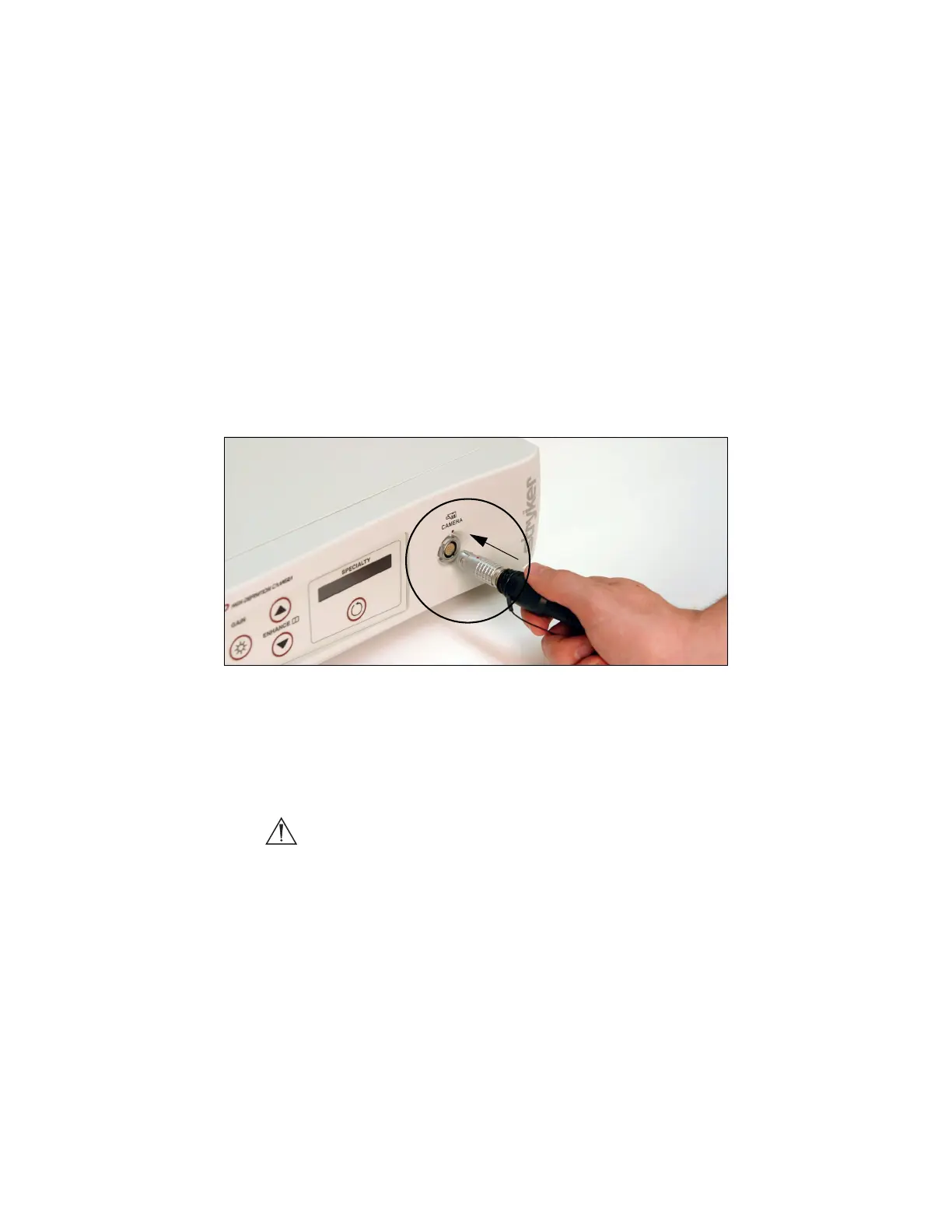
1. Connect the camera head to the console.
• Unscrew the soaking cap from the cable connector if
necessary.
• Align the red dot on the cable connector with the red dot on the
camera-connector port on the front console panel (see Figure 4).
• Push in the connector until it locks in place.
Figure 4: Connecting the camera head to the console
Note To unplug the camera from the control unit, grasp the
knobbed portion of the connector and pull straight out. This
releases the connector latching mechanism.
Caution Do not severely bend the camera cable or damage may
result.


 To Next Page