Operating the 1088 Camera
23
Using the Camera Head Buttons
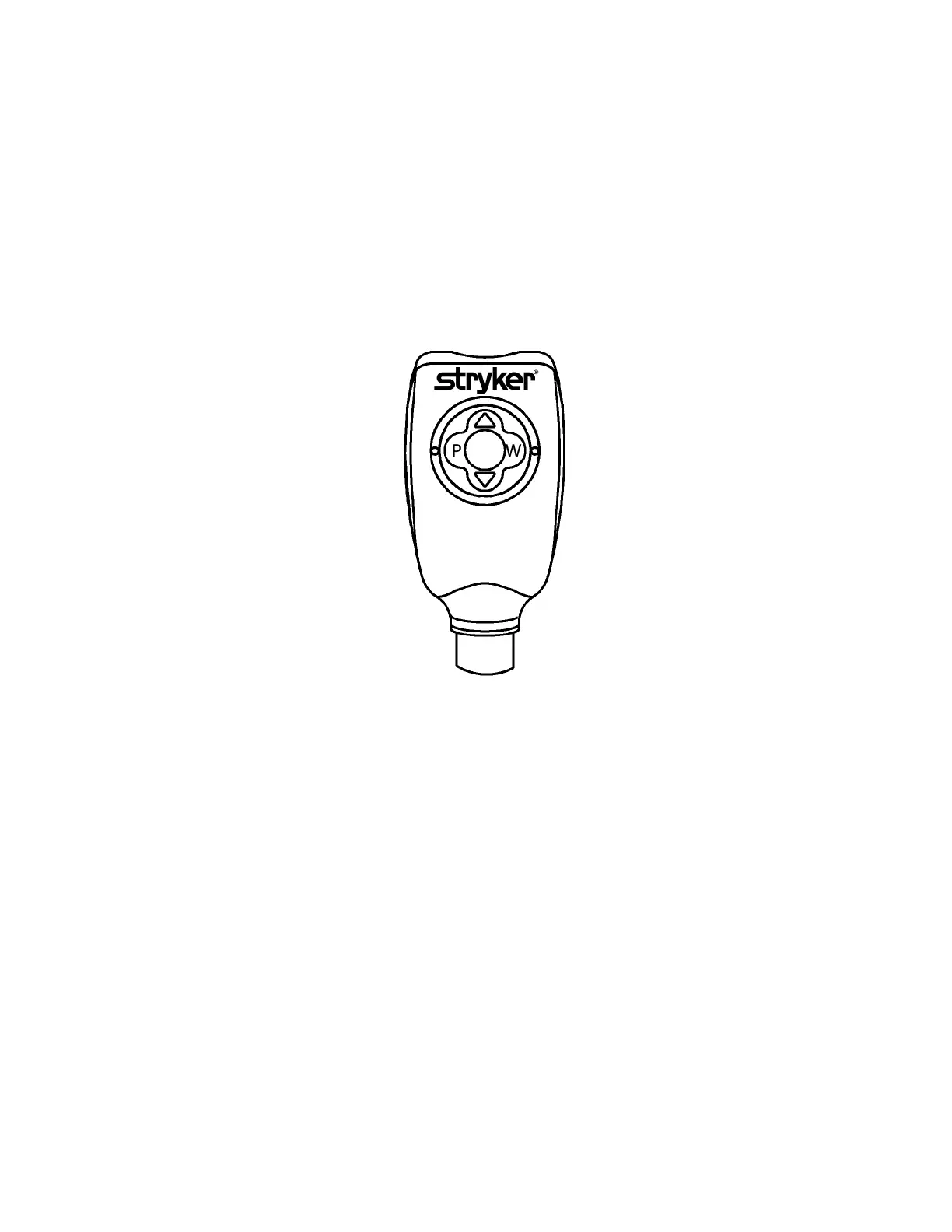
The camera head contains a diamond-shaped, four-button pad that offers
hand control of the 1088 Camera (see Figure 7). The functions of each
button are described in the following pages.
Figure 7: The camera head buttons.
Using the P Button
The P button controls up to two remote video accessories.
• Press the P button on the camera head for less than one
second to activate Remote 1. One beep will sound.
• Press the P button on the camera head for more than one
second to activate Remote 2. Two beeps will sound.


 To Next Page