8
System Features
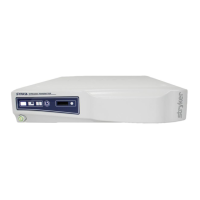
This section outlines the features of the SYNK Wireless Transmitter� The features of the VisionPro
SYNK 26" Wireless LED Display are explained in the VisionPro User Manual (P22286)�
Note: The SYNK Wireless Transmitter can only transmit a wireless signal to the VisionPro SYNK
Wireless LED Display (0240-031-000). The wireless functionality of the transmitter is not
compatible with the Vision Pro 26" LED Display, or WiSE Display and Receiver.
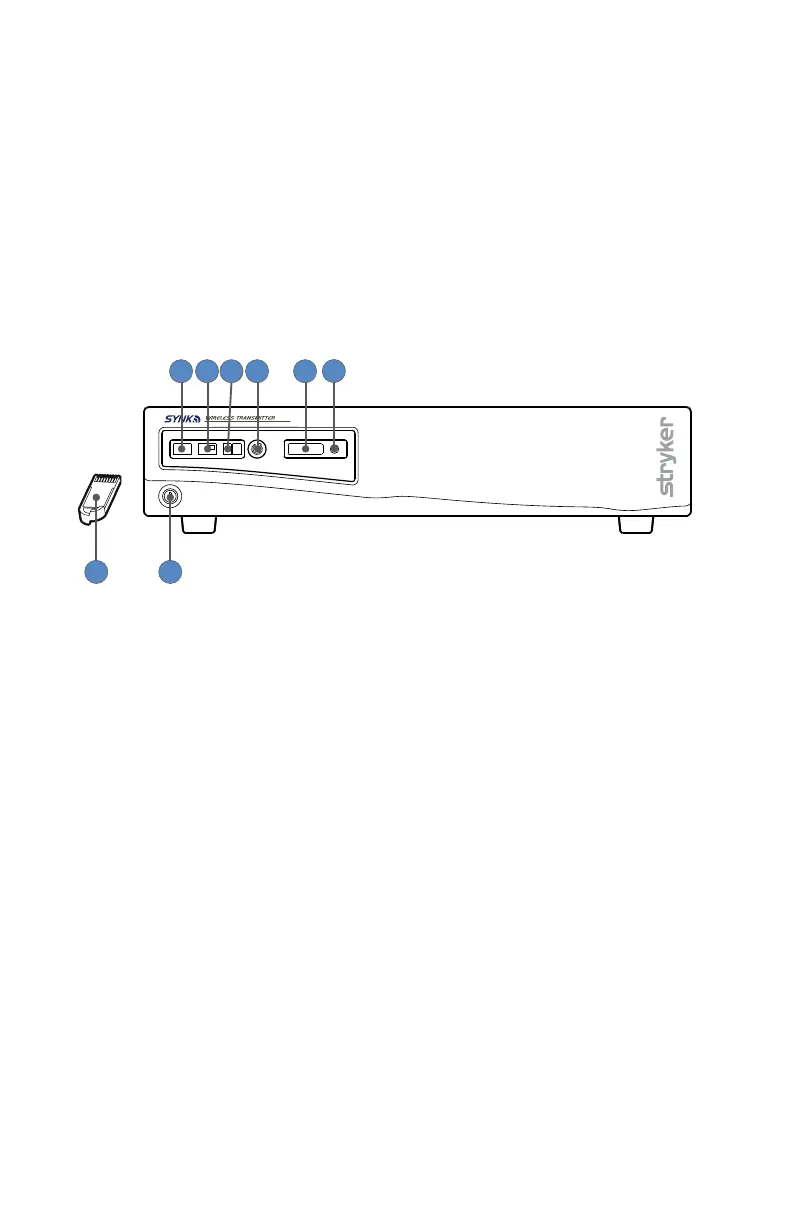
SYNK Wireless Transmitter Front Panel
1 2 3 4 5
6
87
1. Full Screen mode
button
Shows one video feed on the display�
2. Picture-in-picture mode
button
Shows a second video feed in the corner of the display in a
smaller overlay�
3. Picture-by-picture
mode button
Shows two video feeds side-by-side�
4. Source Select button Toggles the video feeds shown in full screen, picture-by-
picture or picture-in-picture mode�
5. Token Slot Token insertion site used to establish a wireless connection�
6. Token LED Green - Wireless link is established
Amber - Initializing
Blinking Amber - Error, contact service representative
7. Token Initializes the wireless connection after insertion into the
transmitter and display�
8. Power switch (hard) Powers transmitter ON and OFF�









 To Next Page