pg 27
blueSky - reverberator
Factory Reset
Performing a Factory Reset restores the pedal to its factory default
Power-up and secondary functions, and replaces all stored presets with
their factory default settings�
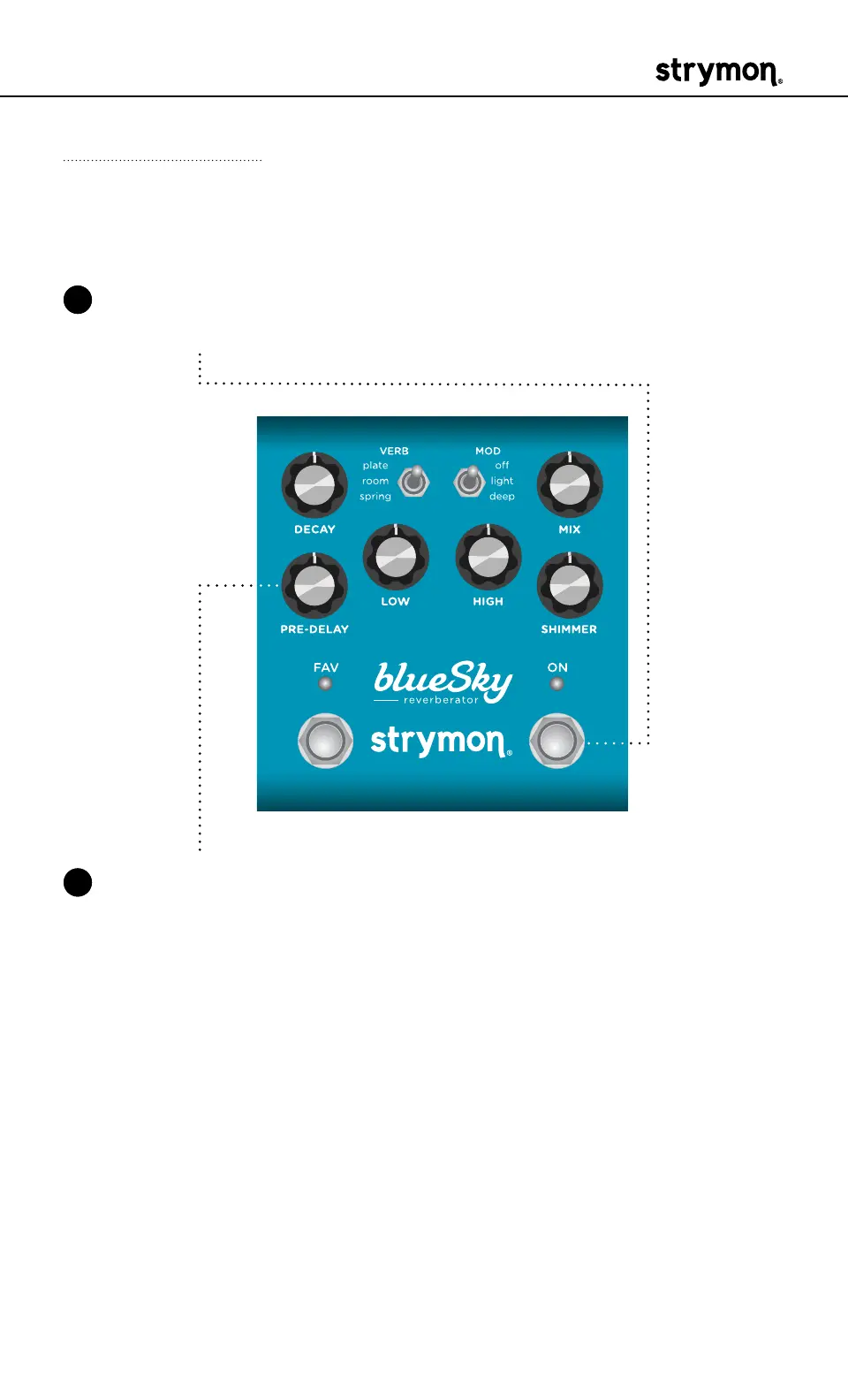
1 Press and hold the ON footswitch while connecting power to the pedal�
Once both LEDs flash, release the footswitch�
2 Sweep the PREDELAY knob from 0-100% and back two times� The
FAV LED will change colors at the extremes of the knob range and
blink RED to indicate when the reset is taking place�
• TURN 1: AMBER
• TURN 2: RED
• TURN 3: AMBER
• TURN 4: Both LEDs flash RED, blueSky resets and restarts�


 To Next Page