Riverside - Multistage Drive
®
pg 28
Press the ON footswitch
again to store the MIDI
channel and begin.
3
MIDI – Configuring Riverside to Use MIDI
(cont.)
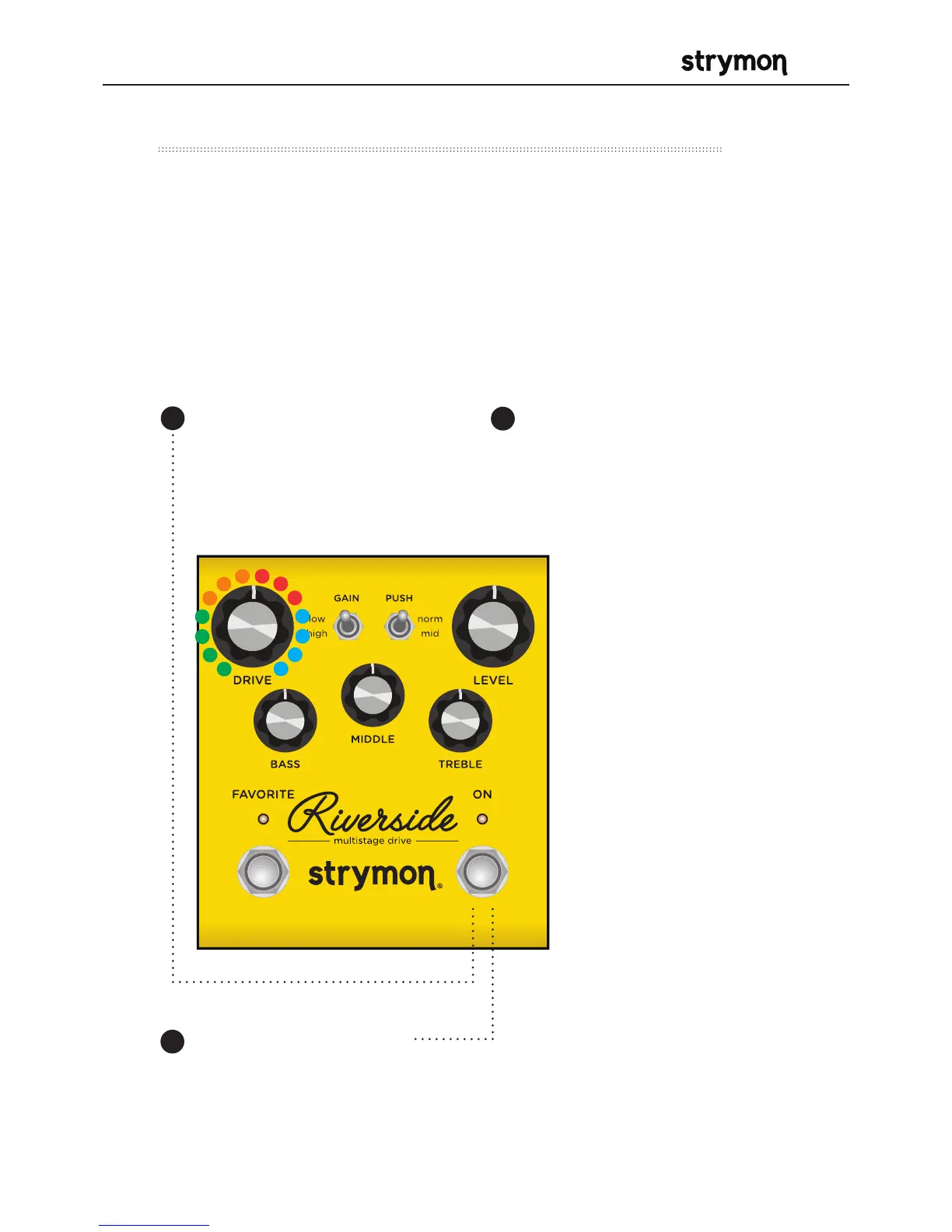
Press and hold the ON
footswitch while powering
up the pedal. Once both
LEDs flash, release the
footswitch.
1
Step 2 – Set MIDI Channel
This determines which MIDI channel Riverside will use to send and
receive MIDI data. See the illustrated guide below for complete
instructions.
NOTE: To select channel 4-16, you will need to connect Riverside to a
MIDI device.
Turn the DRIVE knob on the
to set the MIDI receive channel.
Both LEDs will flash momentarily
as the channel is changed.
GREEN - Channel 1
(default)
AMBER - Channel 2
RED - Channel 3
BLUE - Channel 4-16
(Requires ¼” MIDI
connection.) Once the
LED turns BLUE, it will
blink until the pedal
receives a MIDI Program
Change message. Once
a message is received,
the pedal will be set to
the MIDI channel that
carried the message
and the LED will stop
blinking.
2



 To Next Page