Riverside - Multistage Drive
®
pg 30
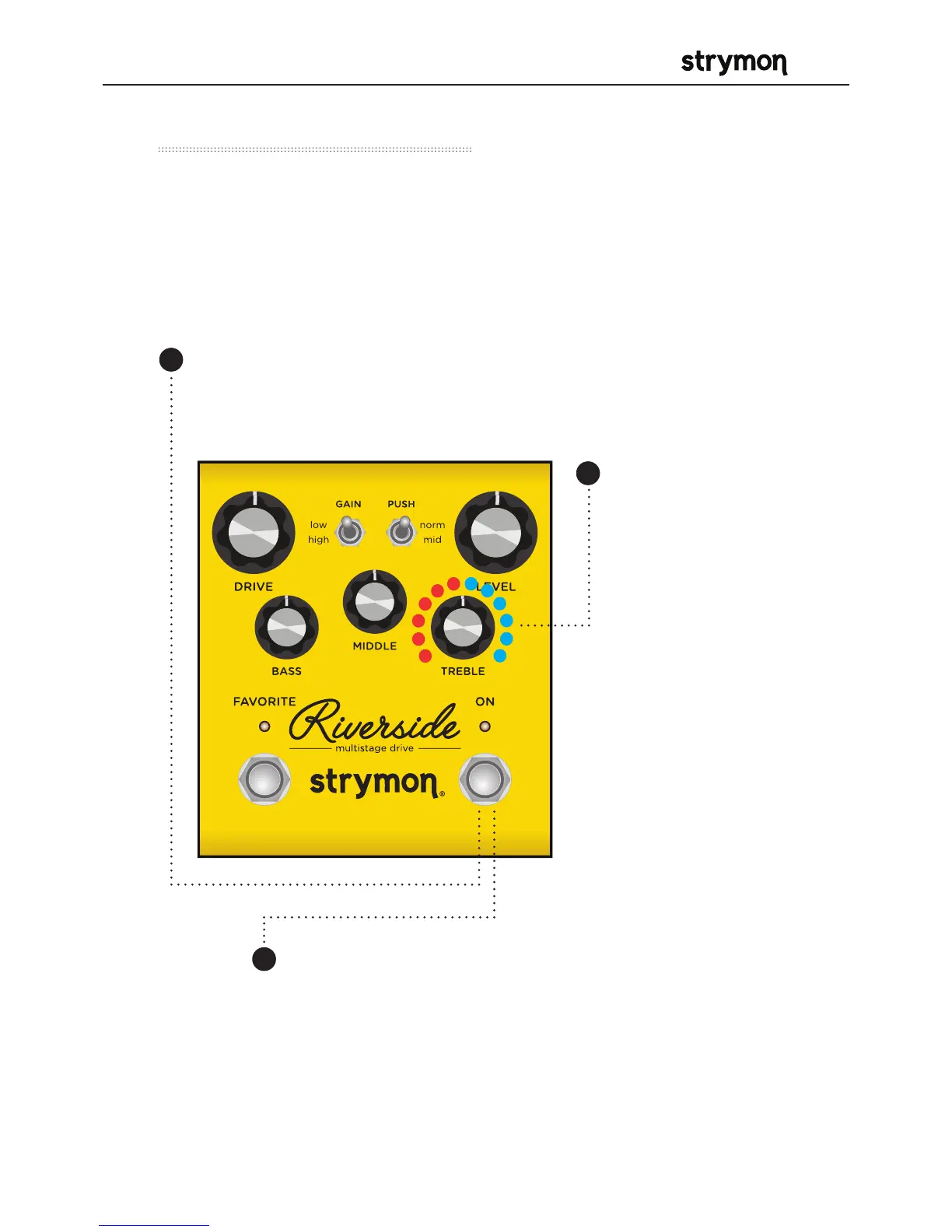
MIDI – Expression On/Off
This setting selects whether Riverside will respond to incoming
MIDI Expression messages. If your rig uses MIDI Expression
messages with multiple pedals that are set to the same MIDI
Channel, this setting can be used to determine which pedal(s) will
respond to expression messages for a given preset.
Press the ON footswitch to
store the setting to Riverside.
Turn the TREBLE
knob to select
whether Riverside
will respond to
incoming MIDI
Expression
messages (CC
#100).
RED (momentary
flash) - Riverside
will not respond to
MIDI Expression
messages.
BLUE (momentary
flash) - (default)
Riverside will
respond to MIDI
Expression
messages.
2
Press and hold the ON
footswitch until both LEDs blink.
Release the ON footswitch.
1
3



 To Next Page