Riverside - Multistage Drive
®
pg 5
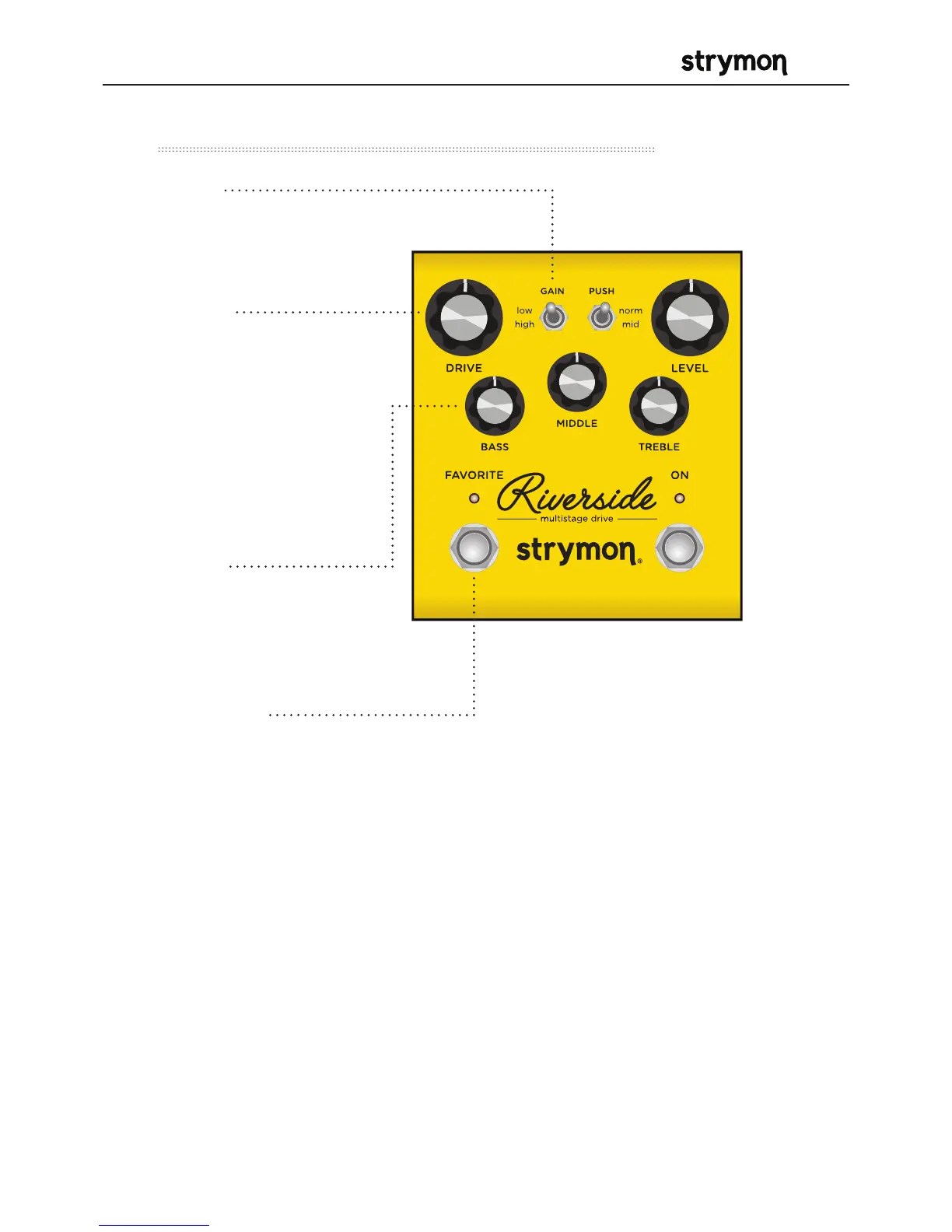
Controls and Connections – Front Panel
• GAIN
Toggles between the low
or high gain channel.
• DRIVE
Adjusts the amount
of gain applied to
the signal. Employs
continuously variable
circuit tuning to adjust
many circuit parameters
as you turn the knob.
• BASS
Active shelving/
parametric low
frequency control.
• FAVORITE
Used to recall a single stored on-board favorite setting, which consists
of all knob, switch, and noise gate settings.
RED LED indicates that the on-board Favorite setting is selected.
Press and hold FAVORITE switch for 2 seconds to save a new on-board
favorite sound.
COMPARE MODE
With FAVORITE on, LED turns from RED to GREEN if current position is
identical to saved favorite.



 To Next Page