Riverside - Multistage Drive
®
pg 6
Controls and Connections – Front Panel
(cont.)
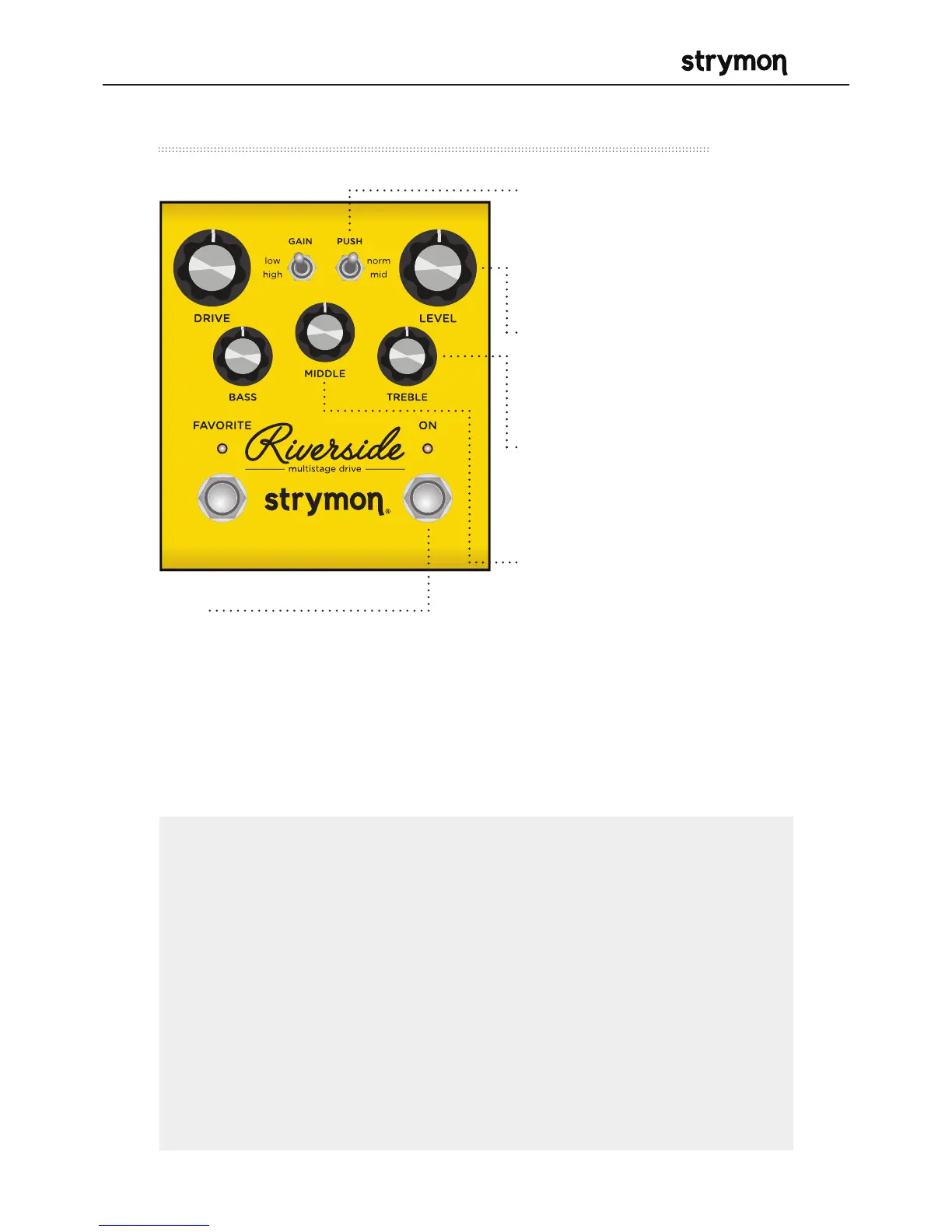
• PUSH
Toggles between flat
or enhanced midrange
frequencies.
• LEVEL
Controls the output volume
level when the effect is ON.
• TREBLE
Wide-ranging high frequency
active shelf control.
• MIDDLE
Parametric mid boost/
cut control with optimized
frequency center.
• ON
Bypasses analog and digital gain
stages. Defaults to relay based
true bypass, but can also be set to
buffered bypass mode in which the
volume pedal and boost functionality
are preserved.
NOTES:
Saving Presets works differently when using MIDI. (See page 31 for
more info.)
When using MIDI, RED LED still indicates that the on-board Favorite
setting (MIDI Preset 0) has been selected, and AMBER LED indicates
that any other MIDI Preset is currently selected.
Pressing the FAVORITE switch while any MIDI preset is active will
return back to the manual (knobs and switches) setting of Riverside.
The FAVORITE switch will always toggle between the MANUAL MODE
setting and the on-board Favorite setting regardless of whether a
different MIDI Preset was previously selected.



 To Next Page