PARAMETERS
SAVING PRESETS
NAME — Allows editing the name of current preset. Use TYPE encoder to select a
character. Use VALUE encoder to change the selected character. Exit by pressing
the VALUE encoder. Hold the TYPE encoder to save the name.
TAPDIV — Selects the subdivision to use for delay repeats when tapping in a
tempo. If TAPDIV is set to anything other than quarter notes, the TAP LED will
blink in amber.
BOOST — Set up a +/- 3dB level boost/cut per preset.
PRSIST — Turns on delay persist “trails” which will spill over when the effect is
bypassed. Use this if it is desired for the delay repeats to continue after the effect
has been bypassed. Note: Using trails will put the pedal in buffered bypass mode.
EP — Configure the Expression pedal input to be ON or OFF.
EP SET — Set up knobs to be controlled by an expression pedal. While HEEL is
displayed, turn knobs to select minimum settings to be controlled. While TOE is
displayed, turn knobs to select the maximum settings to be controlled.
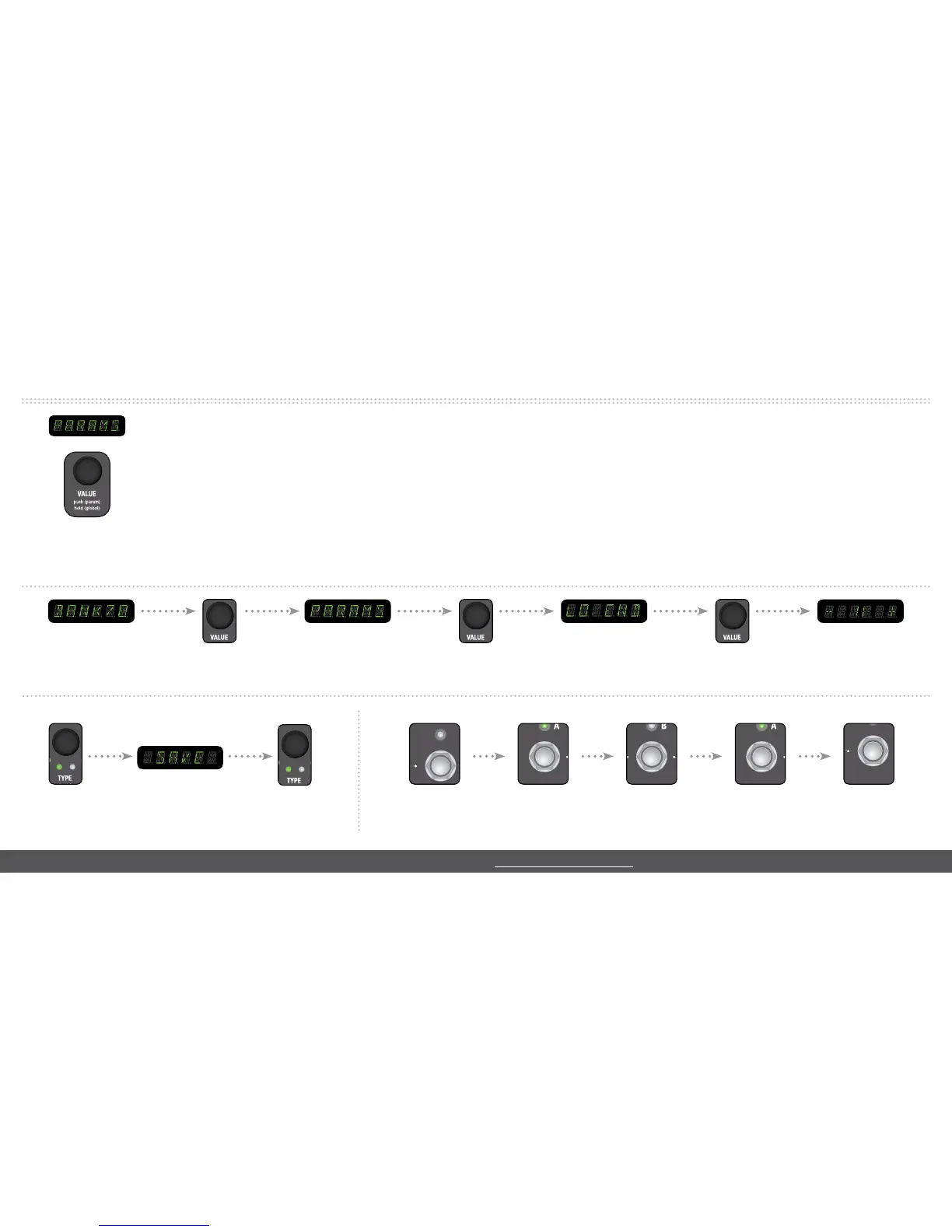
Each Delay Machine features both UNIQUE and COMMON parameters in the PARAMETER menu to tweak and customize your sound. All can be saved per preset. Several
COMMON parameters are shown below, however the full list of parameters are detailed in the user manual.
Save a preset to the current location: To use the Timeline in LOOPER mode:
push the TYPE encoder
to save your settings
to start a loop tap the
REC/DUB footswitch
to play a recorded loop
tap the PLAY footswitch
Note: To save to a new location, hold the TYPE encoder, turn the
VALUE knob to the desired bank, tap footswitches A/B to save.
USING THE LOOPER
Note: Looper controls such as loop level, location, and exit behavior can be changed in GLOBAL settings.



 To Next Page