19
C7000 Advanced
Info
C7000 Advanced
Info
Values
The corresponding humidity values are displayed in the same order in this window.
1. Value that is used for the control, can also be the zone humidity.
2. Setpoint
3. Shifted setpoint (caused by external setpoint setting or limiting control)
4. Actual value of the room humidity sensor.
5. Actual value of the supply air humidity sensor (if available).
6. Actual value of the outside humidity content sensor (if available).
BA C7000 for EC Tower | EN | 01-2019 | 1000755
Components/Cooling
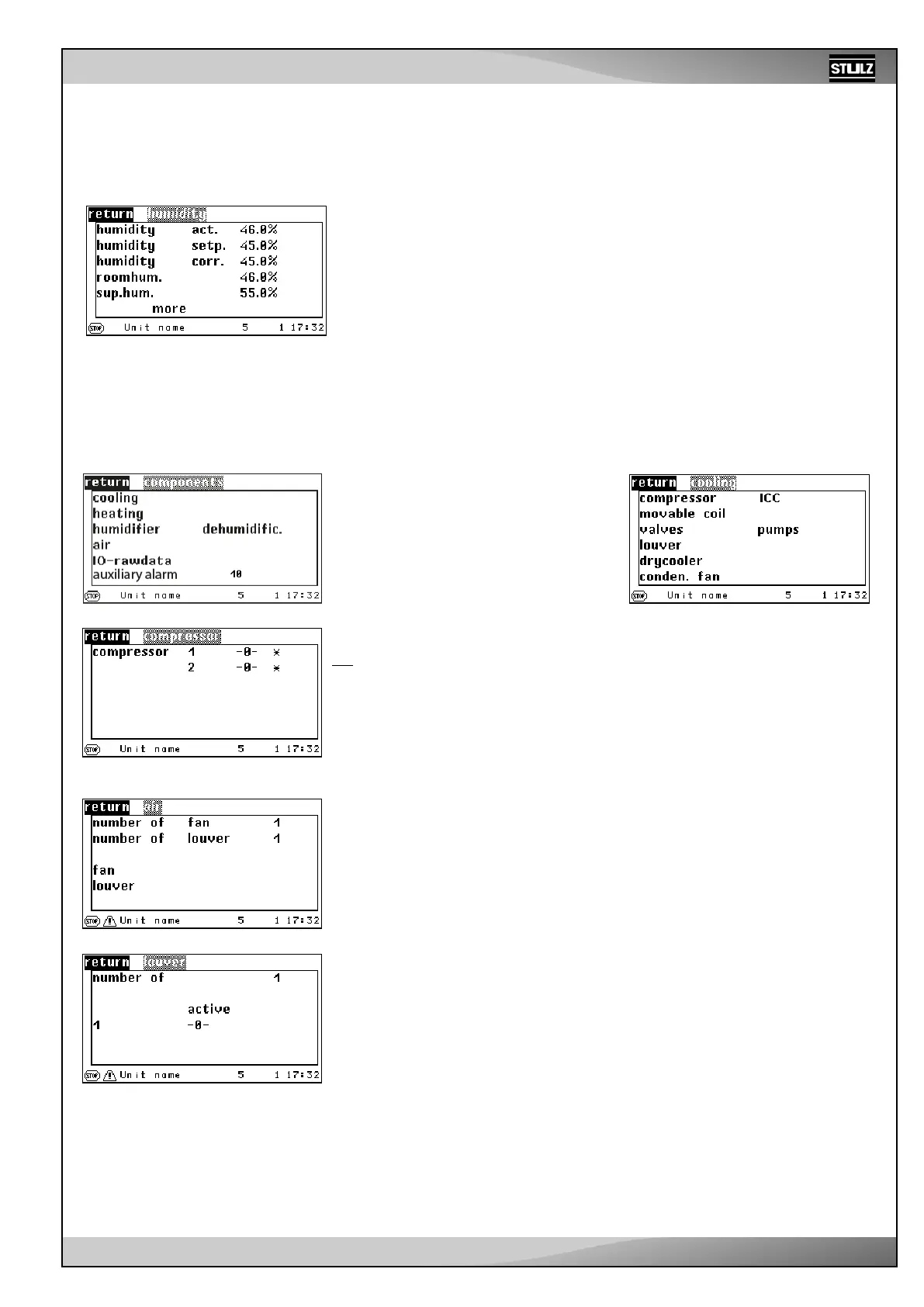
The C7000 Advanced gives a detailed presen-
tation of the components’ operating conditions.
In the window opposite, the top five menu items
lead to submenus. In the last menu item, you
can read off the number of configured external
alarms.
In the following windows, you can see the op-
erating state of each component:
-0- means component is switched off.
-1- means component is switched on.
xxx means components is not available.
Operating state of the compressors.
.../Compressor
This menu displays the degree of openness of different configurable louvre dampers.
The degree of openness of the fresh air and exhaust air damper with activated EcoCool
function is displayed in the first line.
The degree of openness of the air dampers for the DFC² control are displayed in the
following lines. If digital actuation has been selected for the exhaust air damper, there
are only two positions: “open” (1) and “closed” (0).
.../Air damper
...Air/humidity



 To Next Page