BA C7000 for EC Tower | EN | 01-2019 | 1000755
30
Note
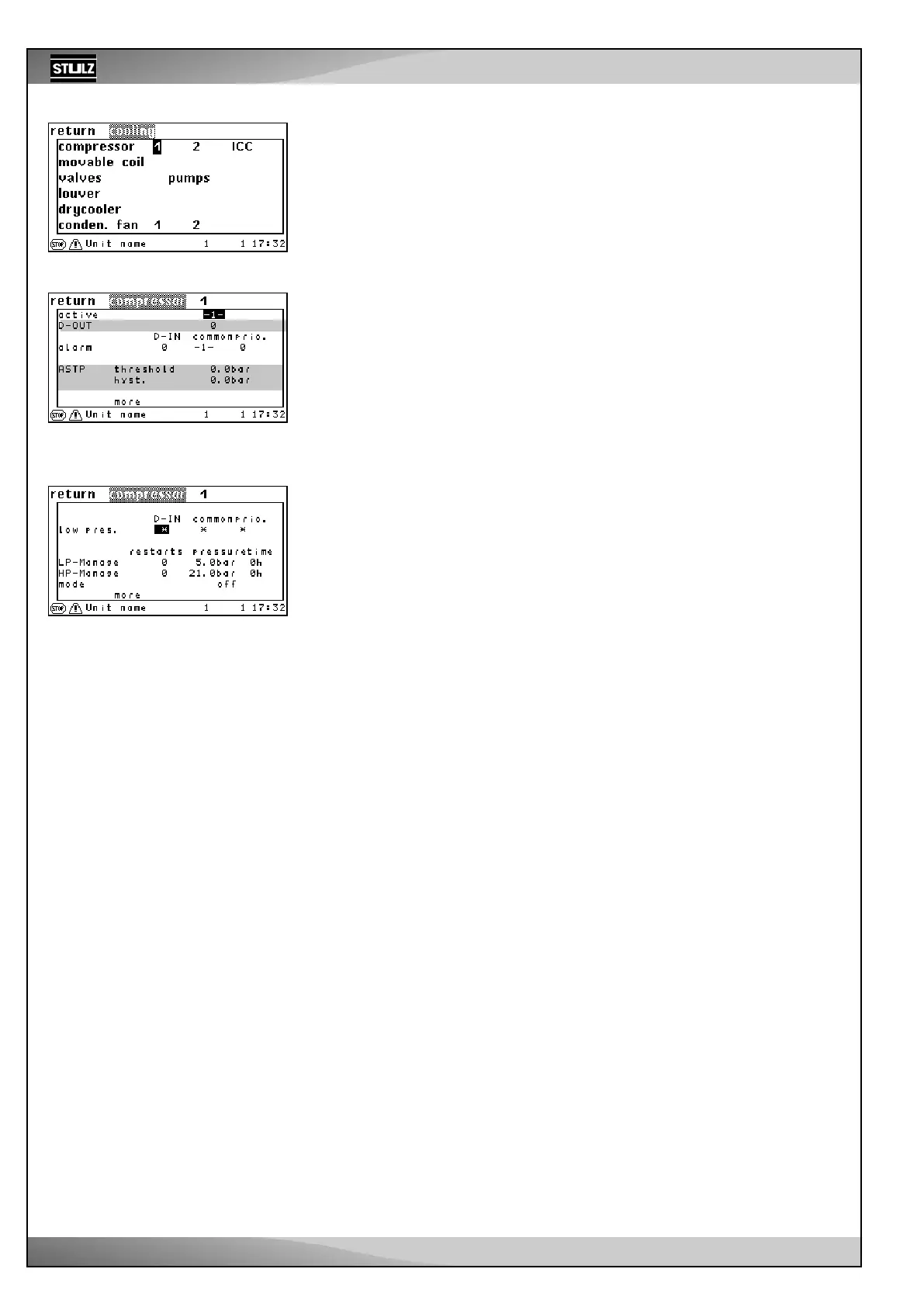
The values in the figure opposite are not relevant for the EC tower.
Config
Components/Cooling
For ECD/U 091, 181 and 251
Select compressor 1 in the “Config/Components/Cooling” menu. This opens a new menu.
For ECD/U 502
Select compressor 1 and compressor 2 in the “Config/Components/Cooling” menu.
Components/Cooling
Compressor
In the first line, you can add a compressor to the configuration by entering a “1”. By
entering “0”, you deactivate the compressor, whereby all settings related to the com-
pressor are stored. ➎
The alarm parameters for the compressor alarm in the fourth line:
- Digital input ➏
- Common alarm actuation
➏a
- Alarm priority ➏b
➎
➏ a
➏ b



 To Next Page