After pressing scan, you will come to two windows that show recommendations for the scanning environment
and the scan subject. Here are the most important points:
For the scanning environment:
• Keep the scanning area clear of objects near or around the turntable, or blocking the view of the
sensor. However, make sure you have a wall behind the turntable.
• Avoid natural light – daylight can interfere with the sensor. Some halogen lights can also cause issues
with the sensor.
• Avoid reflective objects in the view of the sensor – don’t scan in front of mirrors or other very
reflective surfaces.
For the scan subject:
• They should wear form-fitting clothing – this sensor does not see through clothing!
• Long hair should be tied up off of the neck and shoulders.
• Take shoes and socks off prior to stepping on the turntable. Shoes can damage the turntable.
Align the turntable and sensor tower
Move the turntable and/or sensor tower so that the turntable is in the white outline
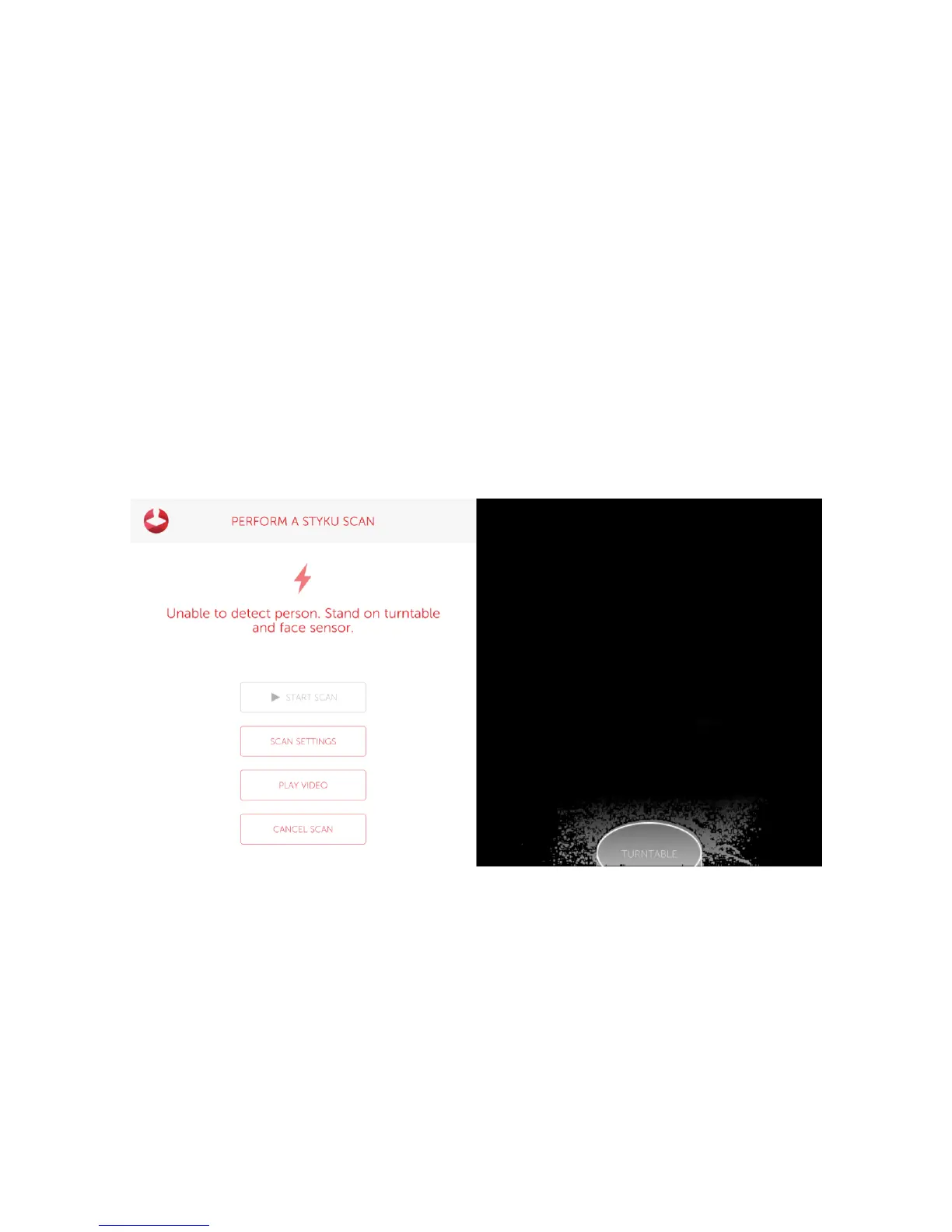
Frame the subject in the sensor view and start scanning
You will come next to the scanning view. You’ll see on the right that there is an outline of a person in the
correct posture.
Tips:
• Have your scan subject stand on the turntable and match the posture shown in the picture.
• Their feet should be about 8 inches apart(stand on the foot prints), and their arms 30-45 degrees away
from their body.
• Their fingers should be curled into fists, and they should be facing the sensor head on.



 To Next Page