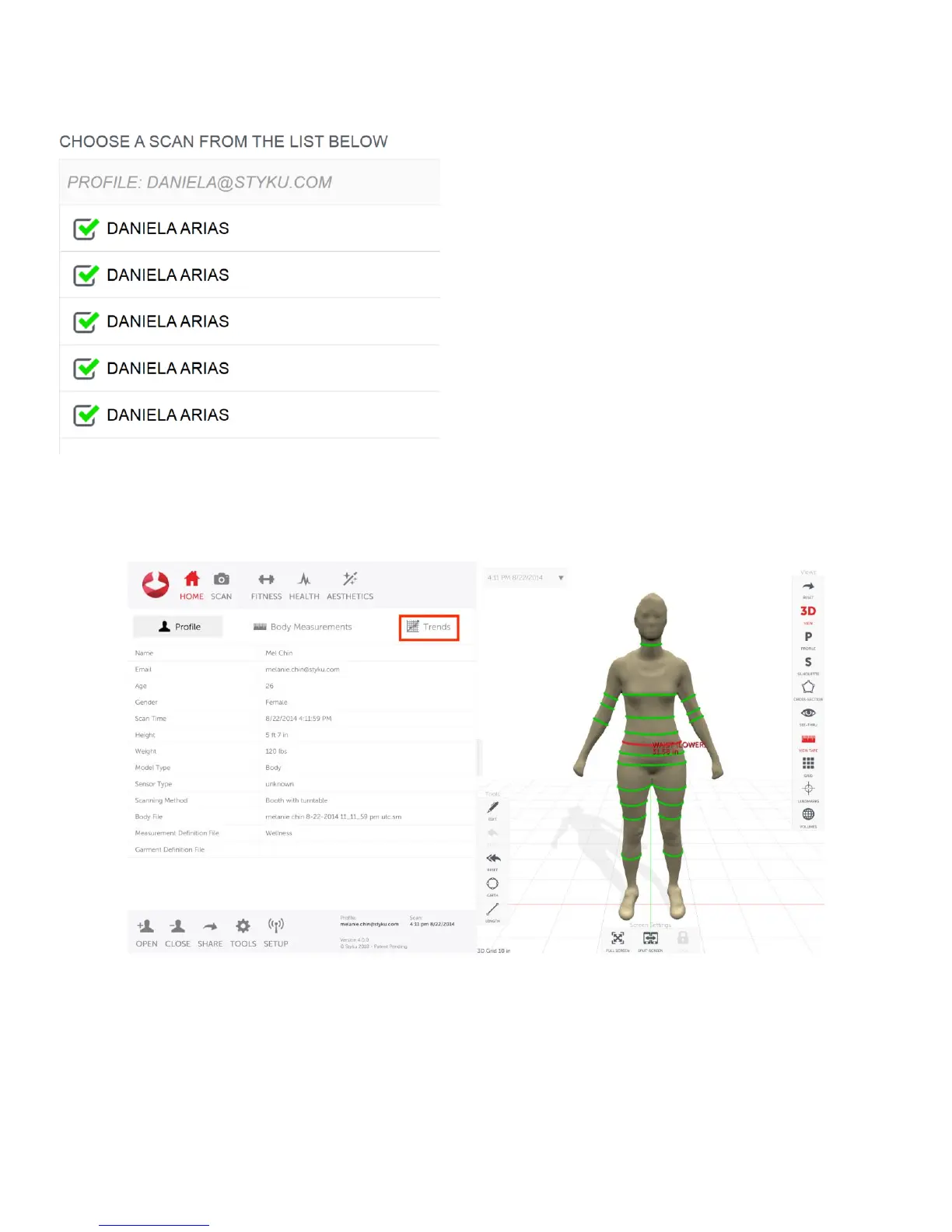
You will see a list of scans. Make sure they are all selected and then click ‘Load to load them all into the 3D
viewer.
Display measurement precision results
Once all of the bodies are loaded into the 3D viewer, click on the Trends tab.
Tap on one of the green measurement lines on the 3D body on the right to display a graph.
Your graph should show close to the same measurements for each of the scans.
Above the graph are values for Average measurement, Standard Deviation and Percent Error.
The Percent Error for all of the measurements in the torso should be at or under 0.5%.
The Percent Error for the rest of the measurements in the limbs should be at or under 1.0%.



 To Next Page