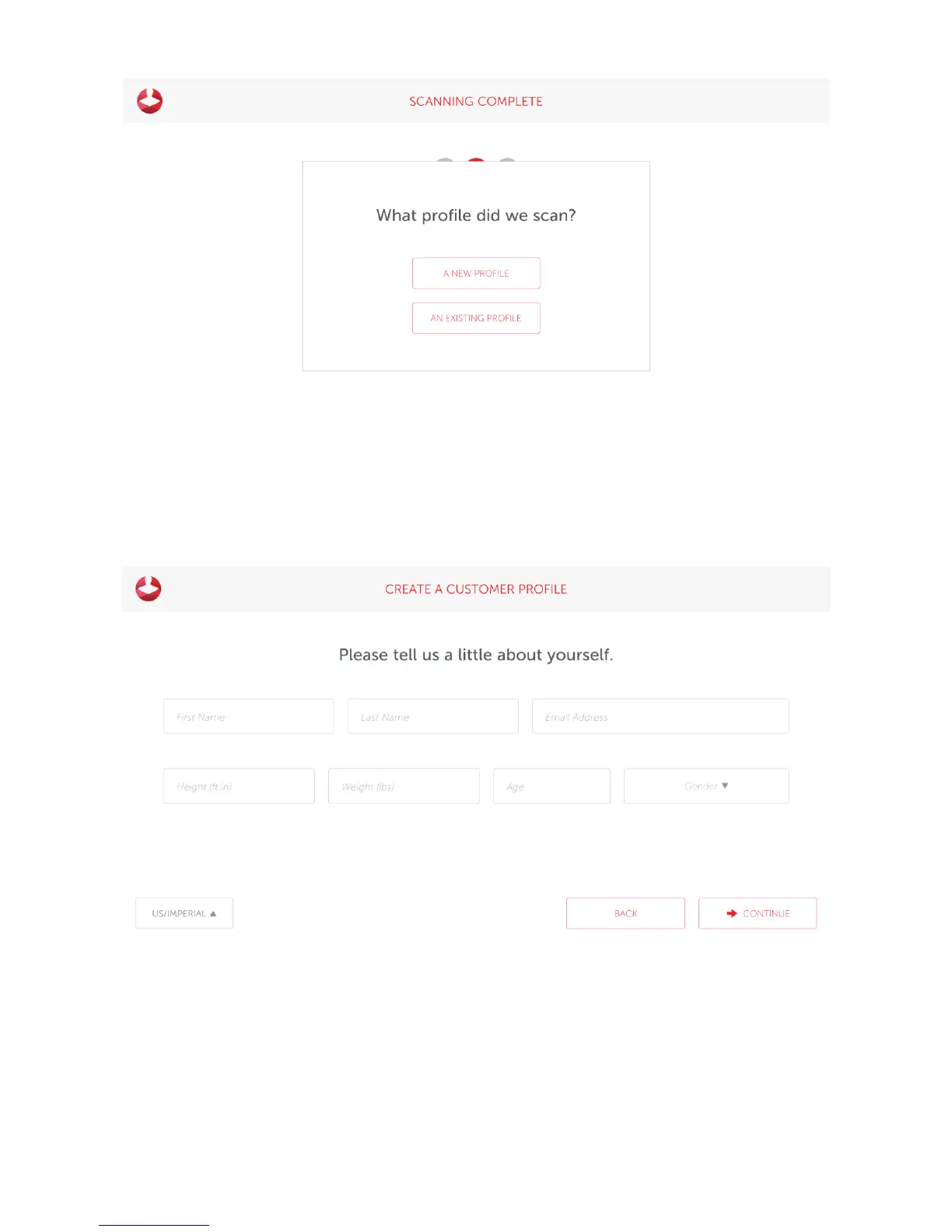
Complete the Customer Profile form, then press Continue. If you have a supported rotating platform, the
weight will automatically be taken.
Review the scan and Save or Delete it
Styku will process the scan data and show you a preview of the scan while it extracts measurements. You can
either ‘Save’ the scan, or ‘Delete’ it if you see a problem and would like to re-scan.



 To Next Page