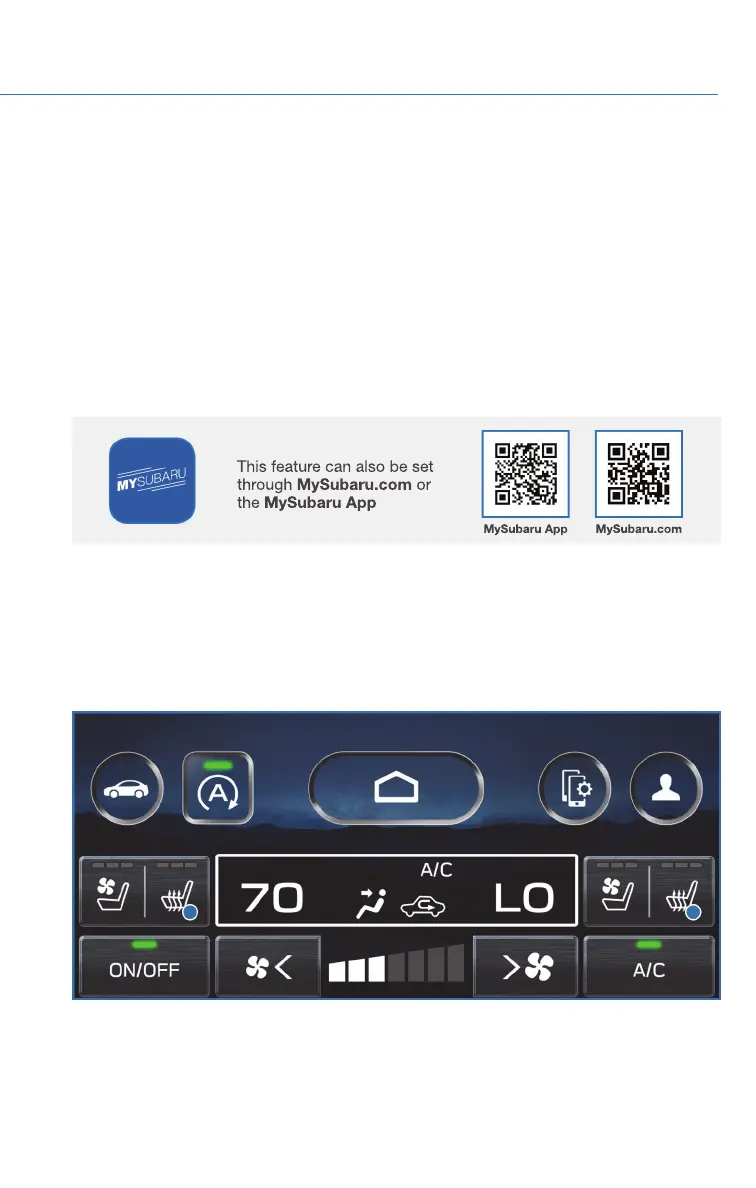
Operation in Automatic Mode
When using automatic mode, the fan speed, airflow mode, air-inlet control and air
conditioning operation are controlled automatically. To activate:
1. Select the climate control mode indicator, and then select the “AUTO” button.
2. Set your preferred temperature.
If you operate the fan speed control or the airflow mode, press the defroster button, or turn on
Max A/C mode, the AUTO indicator will turn off and you can then manually control the system
as desired. To change the system back to auto mode, select the “AUTO” button again.
Remote Engine Start with Climate Control (if equipped)
You can remotely start your Subaru and adjust the temperature using the STARLINK
®
Safety and Security features through the MySubaru App (subscription required). Please
refer to “SUBARU STARLINK Features” in your SUBARU STARLINK
®
Safety and Security
Owner's Manual for a list of required vehicle conditions for this feature.
Heated Seats (if equipped)
There are separate buttons for the driver and passenger heated seats. Select the heated
seat button located on the climate control screen. Each time you press the button the
mode will change as follows: High, Mid, Low, and Off. The indicators illuminate indicating
the level.
GETTING COMFORTABLE
37














 To Next Page