Retrieving a Driver Profile
There are two ways to retrieve a driver profile. The system may automatically retrieve the
profile once you are in your Subaru with the multimedia system on and your phone’s
Bluetooth
®
active. You can also manually retrieve or change the profile by following these
steps:
1. Press the “Driver Profile” button.
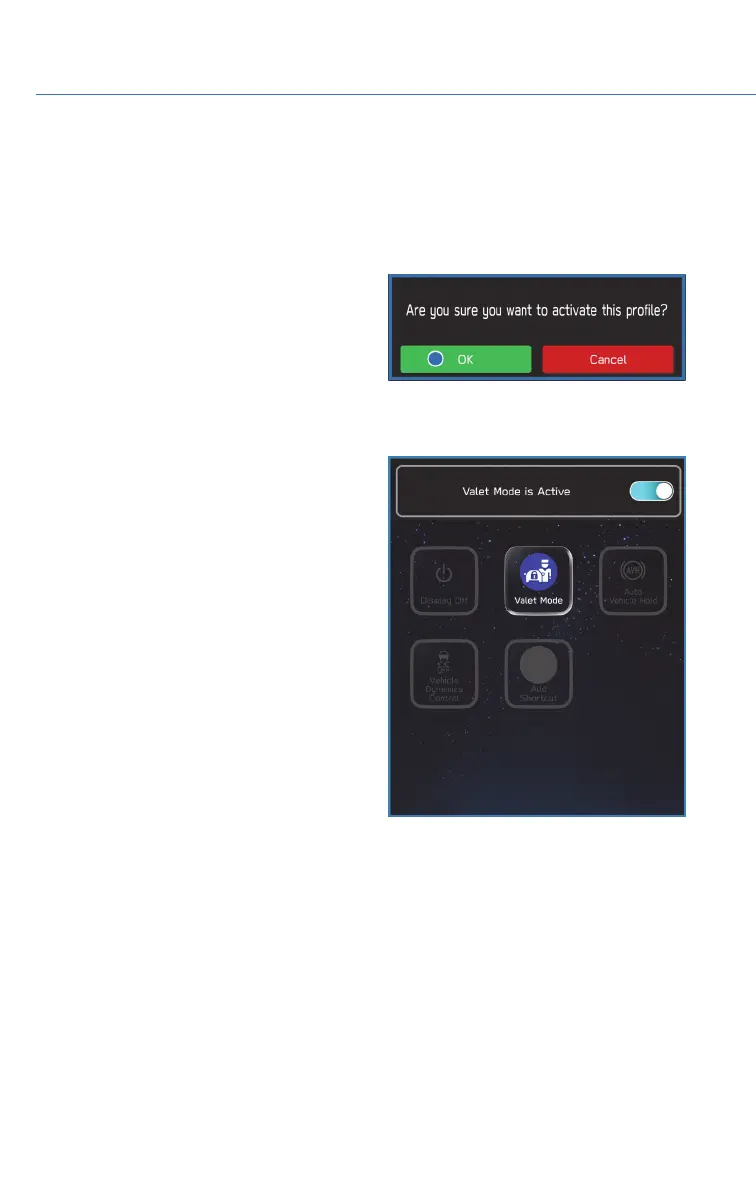
2. Select the profile you want. You will receive
a pop up screen asking “ Are you sure you
want to activate this profile?”
3. Select “OK”.
VALET MODE
The valet mode function prevents others from
operating the navigation, audio, and vehicle
settings in your Subaru, offering an increased
level of security and peace of mind when using
valet parking services. A notification can even
be sent to your smart phone if the vehicle is
taken outside a preset area or is not being
driven as intended. The passcode for valet
mode can be set or changed in Settings in the
General menu.
DRIVER PROFILE
76














 To Next Page