PUTTING THE UNIT ON A PROPER PLACE
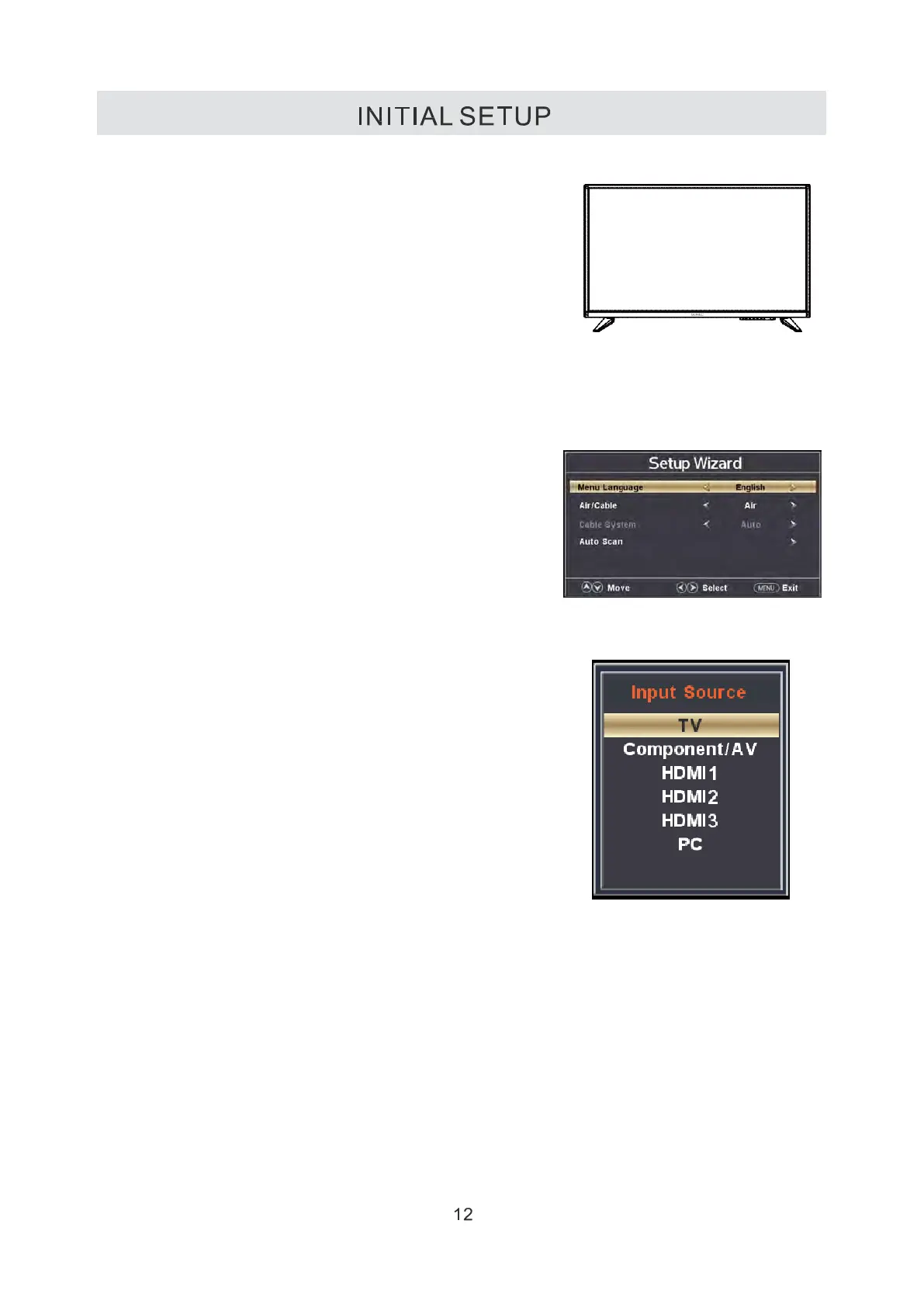
When you tum on your television set for
the first time, be sure to place it on a solid
stable surface.
To avoid danger, do not expose the TV
to water, or a heat source
(e.g,lamp,candle,radiator).
Do not obstruct the ventilation grid
at the rear and be sure to leave sufficient
gaps around the unit.
TURNING THE UNIT ON FOR THE FIRST TIME
After you have initially connected your TV
antenna or cable,
turn the television ON.
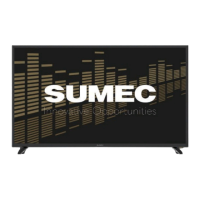
A screen will display asking you to run a
Channel Auto Scan to search and
receive available local digital channels.
It is here where you will select antenna options
and run Channel Auto Scan.
SOURCE SELECTION
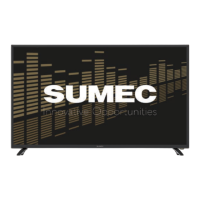
1. Press the SOURCE button on the remote control.
2. Use the ▲or▼ button to select the options
(TV Component/ AV, HDMl, PC)
and select any of them using the OK button.
(The screen will change to your desired source).
Note:
Before watching please make sure all necessary
cables and devices are connected.


 To Next Page