14
Pick a folder, any folder
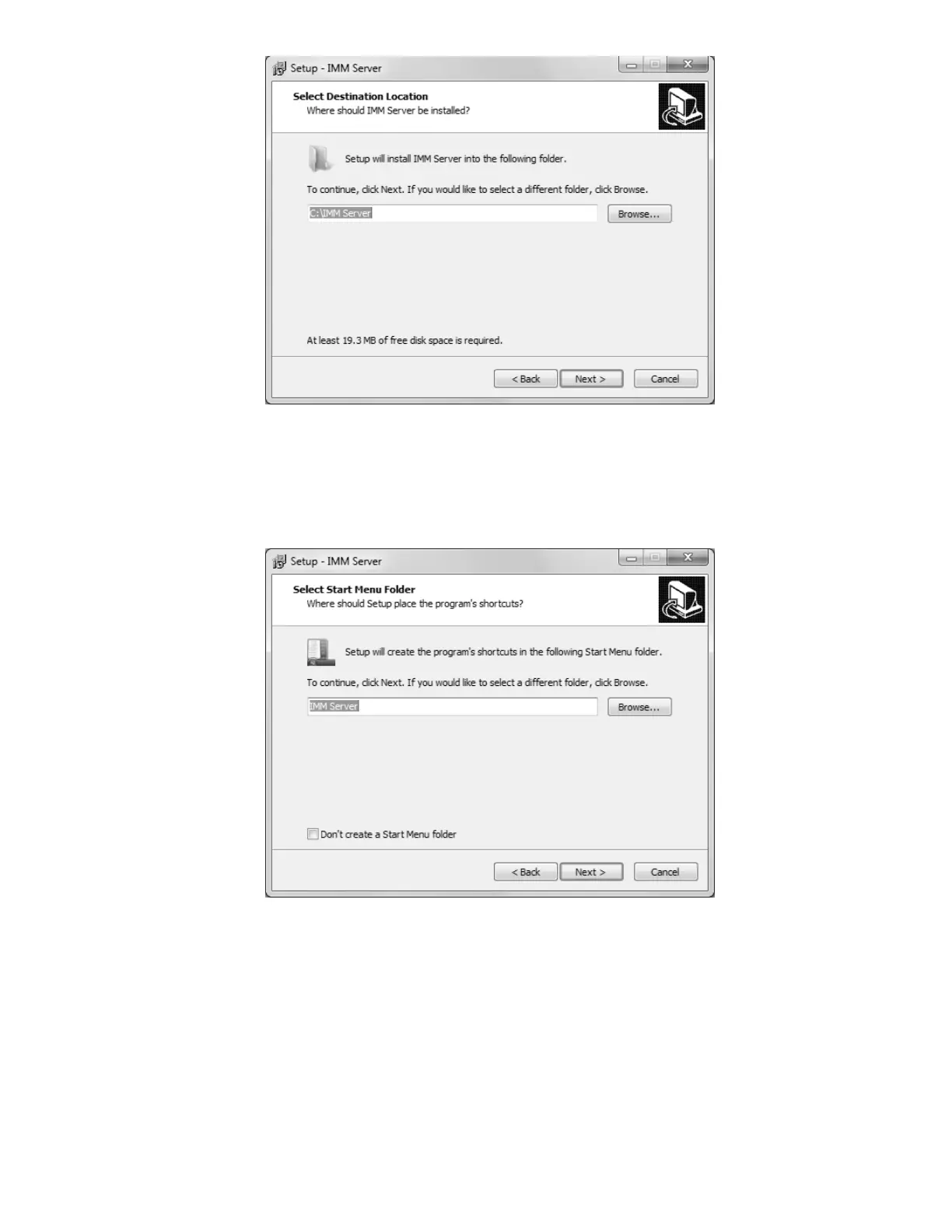
If you like, you may change the directory to which IMM will be installed. The default
directory is “C:\IMM_Server”, but it can be modified as necessary to best suit your situation.
The “Browse…” button will open another window with a Folder Browser to assist you in
selecting IMM’s new home.
The beginning of a beautiful friendship
If you wish to customize the Start Menu folder that will be generated when IMM is installed,
you may do so on this screen. If you wish to prevent Setup from creating a Start Menu
folder, simply check the box labelled “Don’t create a Start Menu folder”.



 To Next Page