15
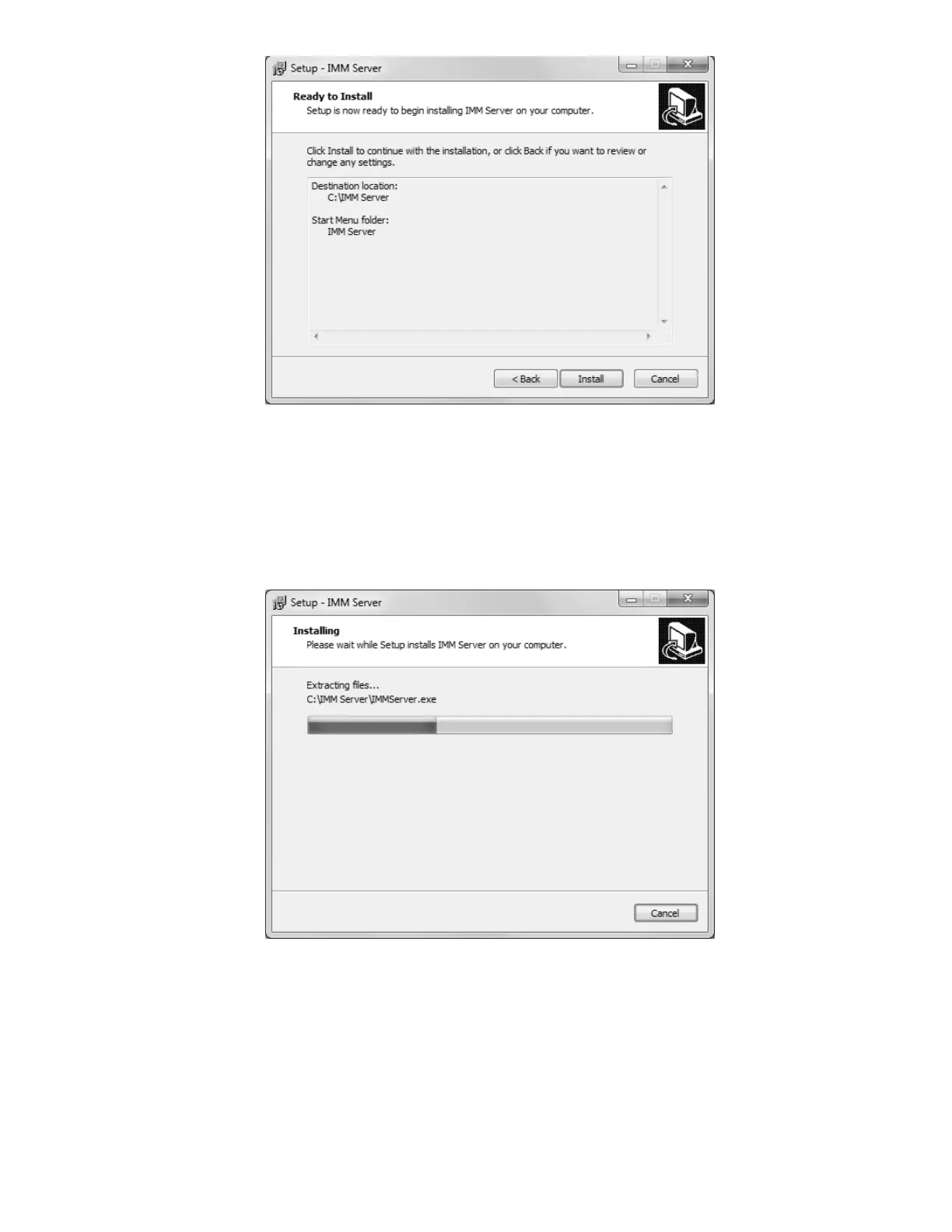
IMM ready to go
The “Ready to Install” screen is your last opportunity to review the details of the installaiton
before Setup proceeds to make them a reality.
NOTE: After you click “Install”, you will be required to uninstall the software if you are
dissatisfied with the installation directory, Start Menu folder, shortcuts, and more. Be sure to
review this page to your satisfaction before continuing.
Watching installation bars fill is a reward unto itself
Give Setup a moment to process the installation tasks . . .



 To Next Page