16
Enjoy!
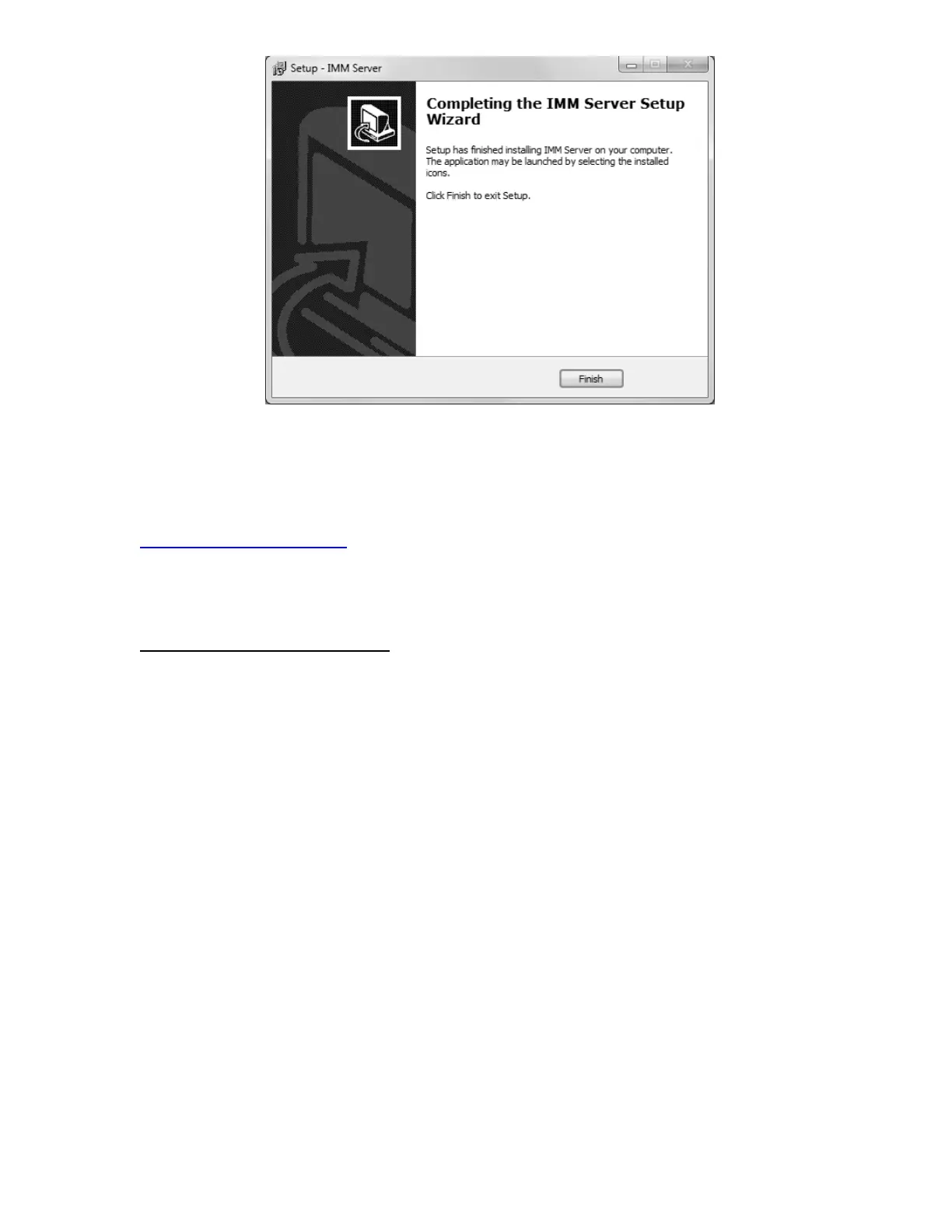
The IMM is installed and ready for activation and setup in Sumilabel! Your IMM Activation
Serial Number is included in the accessory packaging. You can perform a self-activation with
an internet connection. If you do not have an internet connection or are having problems
with the activation, please contact us at 1+(760) 761-0600 ext203 or via email at
Identification@seipusa.com.
Once Sumilabel is installed, you will need to set up the IMM server within the software.
Setup IMM within Sumilabel:
-Go to Sumilabel Explorer
-Click on TOOLS
-Select INVENTORY
-Select IMM SERVER SETUP / The server name, port and discovered servers should have
automatically populated with the PC info
-Select VERIFY then YES



 To Next Page