38
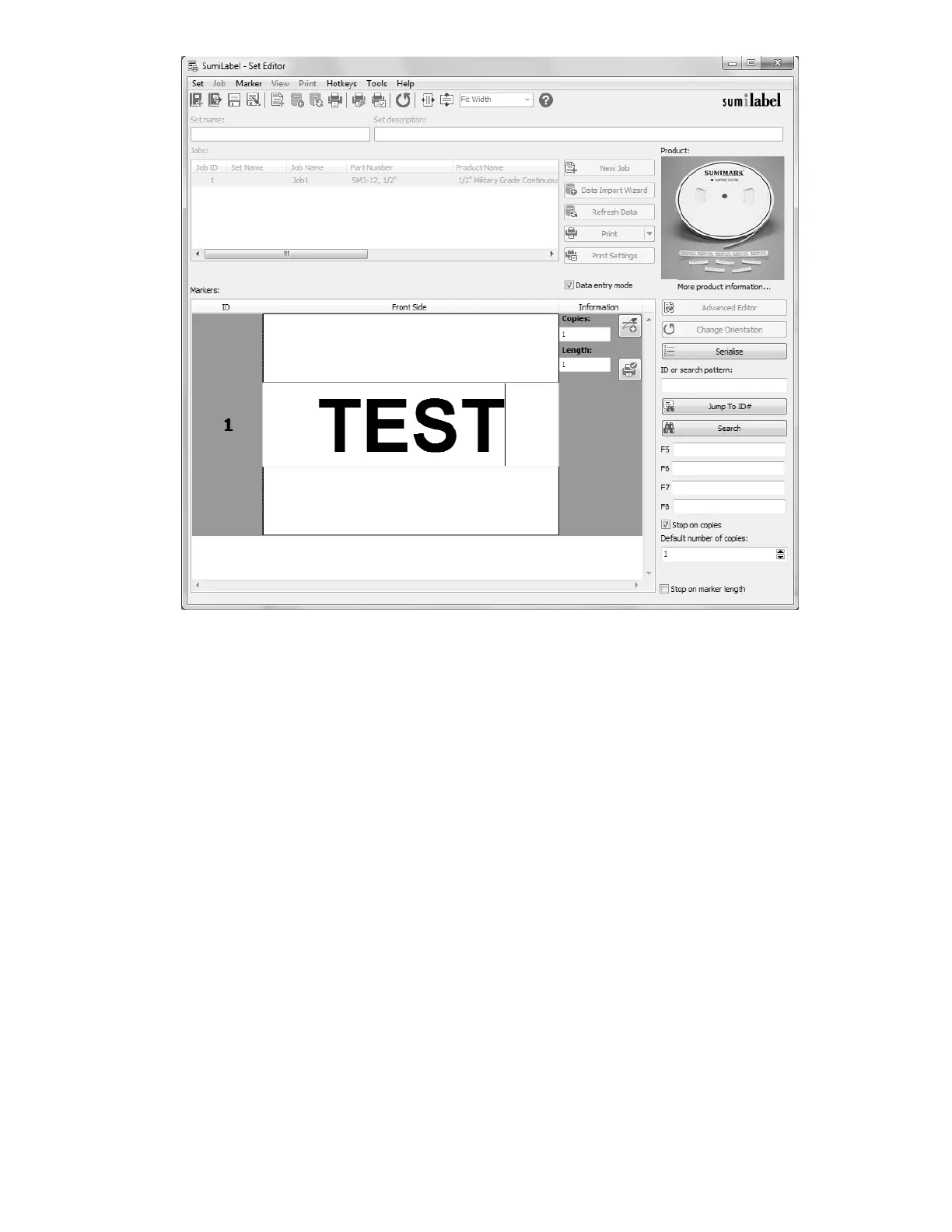
This is a test of your heat-shrink marking system
You’ll notice that the first text element (or only text element) of your marker has been
opened for editing—and if you double-clicked the marker, the “Data entry mode” checkbox
has automatically been checked for you. Note that in the event of multi-line markers, no
matter where you double-click on the marker, the first text element on the marker will
always be the first field that is opened for editing.
After typing a line of text, press Enter on your keyboard to confirm the contents of that text
element and move on to the next element. If there are no additional lines of text on the
marker (or if there’s only one to begin with) then the number of copies field for this marker
will be highlighted. By default, Sumilabel assumes you’re going to want at least one of each
marker, so this field will automatically have “1” upon creation of a new marker. You can
change the default number of copies in the User Options.



 To Next Page