39
Copy that
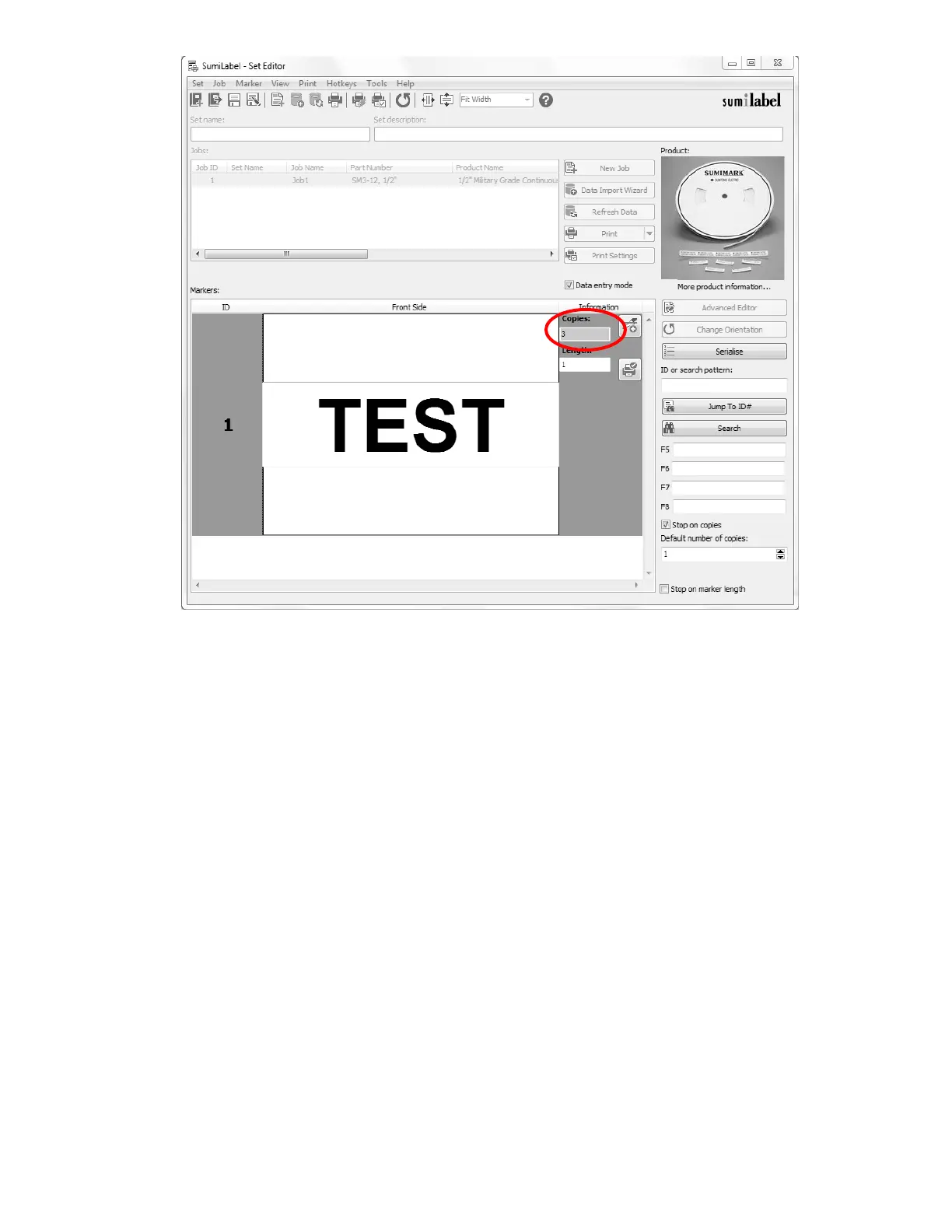
As you look at your markers in the Basic Editor, you’ll see a column to the left labeled “ID”
and a number. That number is the position of that marker in the Job. For instance, ID 1 is
marker #1 in this job, ID 2 is marker #2, and so on.
When a marker is not currently selected or being worked on, the column to the right,
labeled “Information”, shows the number of copies of that marker. For instance, ID 1 and a
3 to the right indicated that three (3) copies will be made of marker #1 if the job is sent to
the printer without modification.
After choosing the number of copies for a given marker, pressing Enter again will
automatically create another marker based on the design template you created for
the set, and will open up the field text element for editing.



 To Next Page