40
Another day, another marker
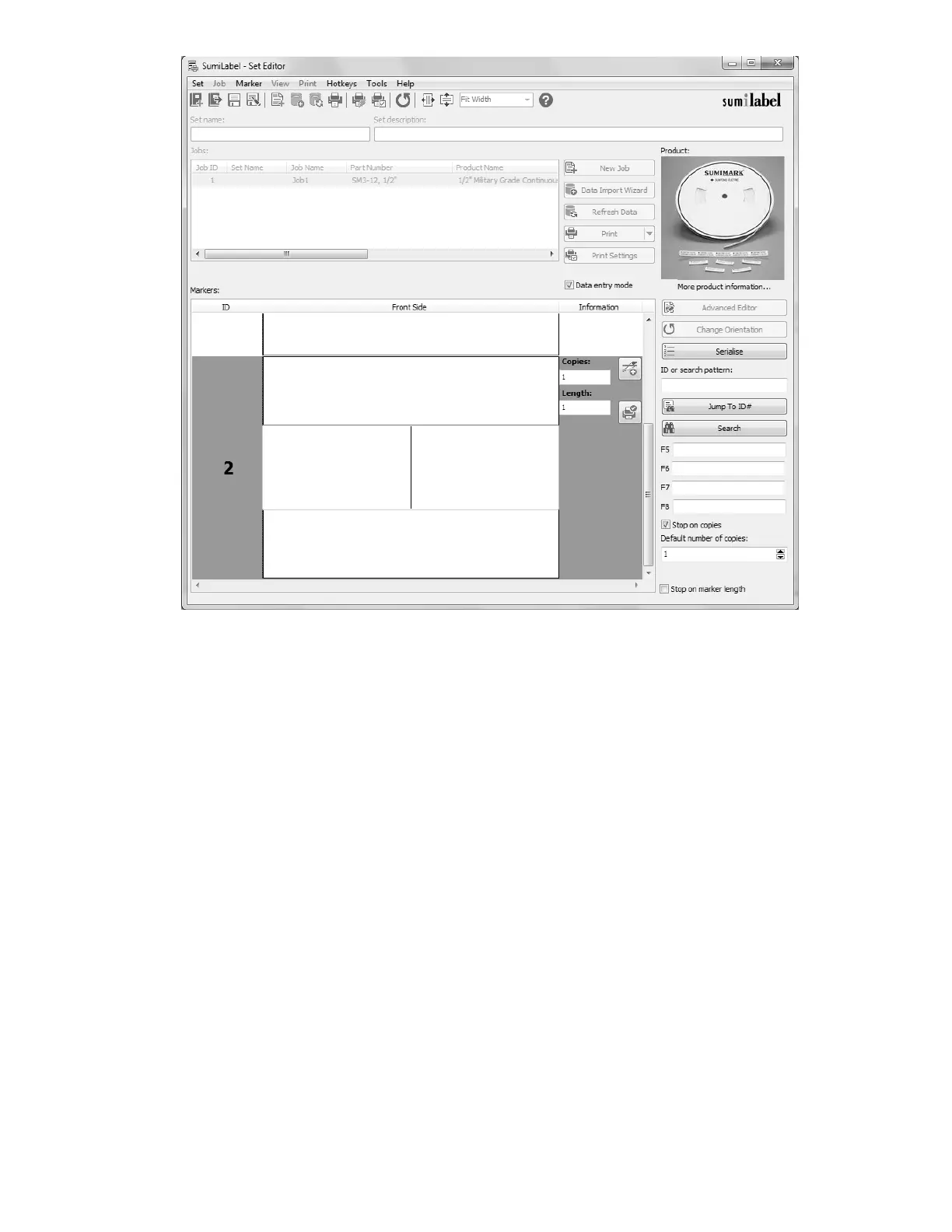
Enter the text as desired and set the number of copies for your next marker. Repeat until
you’ve entered all of your markers, then uncheck “Data entry mode”.
Unchecking “Data entry mode” will lock the markers and prevent editing without checking
the box again or double-clicking a marker. Other options for manipulating markers are
available to you as long as you’re not in “Data entry mode”, visible from the context menu
opened by right clicking with any marker selected.



 To Next Page