8
Procedure 2a – Changing the Cutting Block & Blade
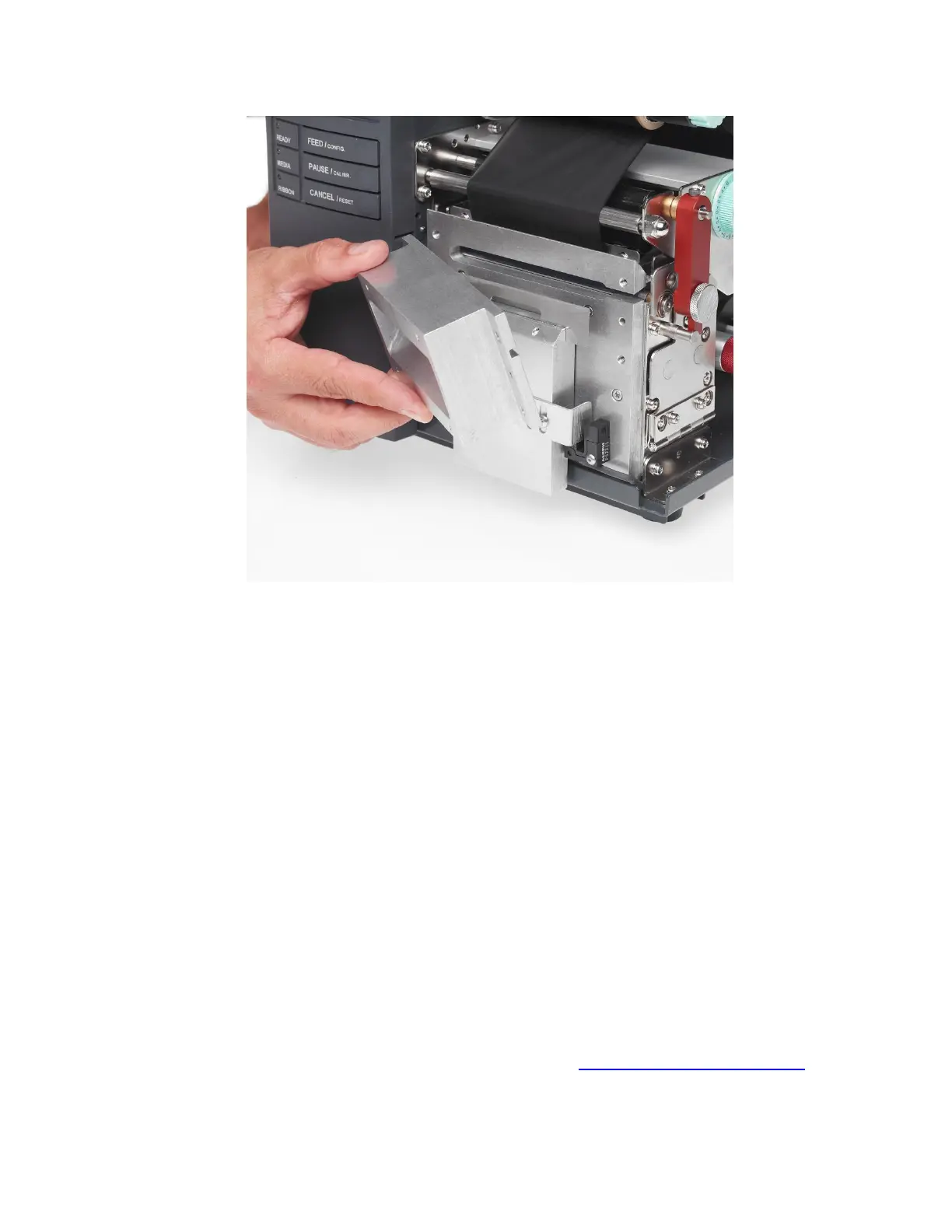
Figure 4
• To access the Cutting Block and Cutting Blade in your SumiMark printer, begin by
removing the Cutter Cover, held in place by two flathead screws at the front of the
machine.
To Change the Cutting Blade:
1. Loosen the two Set Screws holding the current blade in place, then slide out the
blade.
2. Replace with the blade of your choice (straight-edge or perforated) then tighten the
Set Screws to secure it.
To Change the Cutting Block:
1. Locate the four Allen screws securing the front portion of the Cutter Head and
remove them.
2. Inside the cutter head will be the white Cutting Block; use a flathead screwdriver
or other tool to pry it loose, sliding it free of the Cutter Head.
3. Rotate the Cutting Block or replace as necessary, securing the Cutter Head again
with the Allen screws after.
After completing your work, replace the Cutter Cover, and you’re ready to print!
You can find a video detailing this procedure on the web: http://www.SumiSupport.com



 To Next Page