Format Hard disc
When you insert a Hard disc on the system at the first time, System will remain you to enter the Hard
disc format interface. You can also press
into Setup menu and select HDD Format to Format
HDD.
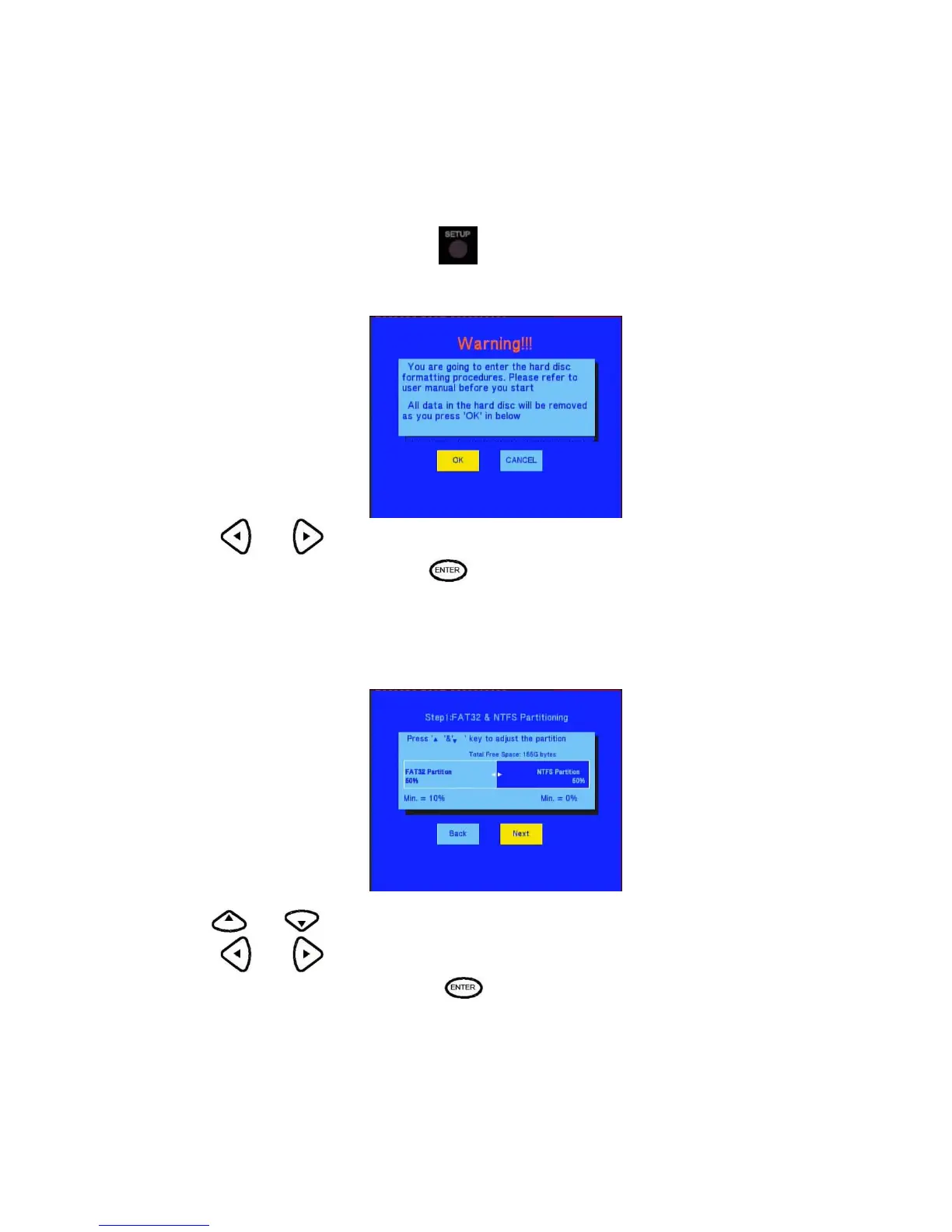
First, the system will jump a warning page.
Press and on the remote control to select you wish.
When highlight move the OK button, Press to enter the next step. Otherwise, select cancel to return.
The first step
Step 1: FAT32 & NTFS Partitioning
Please according the screen remain to adjust the capacity.
Use and to adjust the Fat32 and NTFS partition.
Press
and on the remote control to select back or next.
When highlight move the Next button, Press
to enter the next step. Otherwise, select back button to
return.



 To Next Page