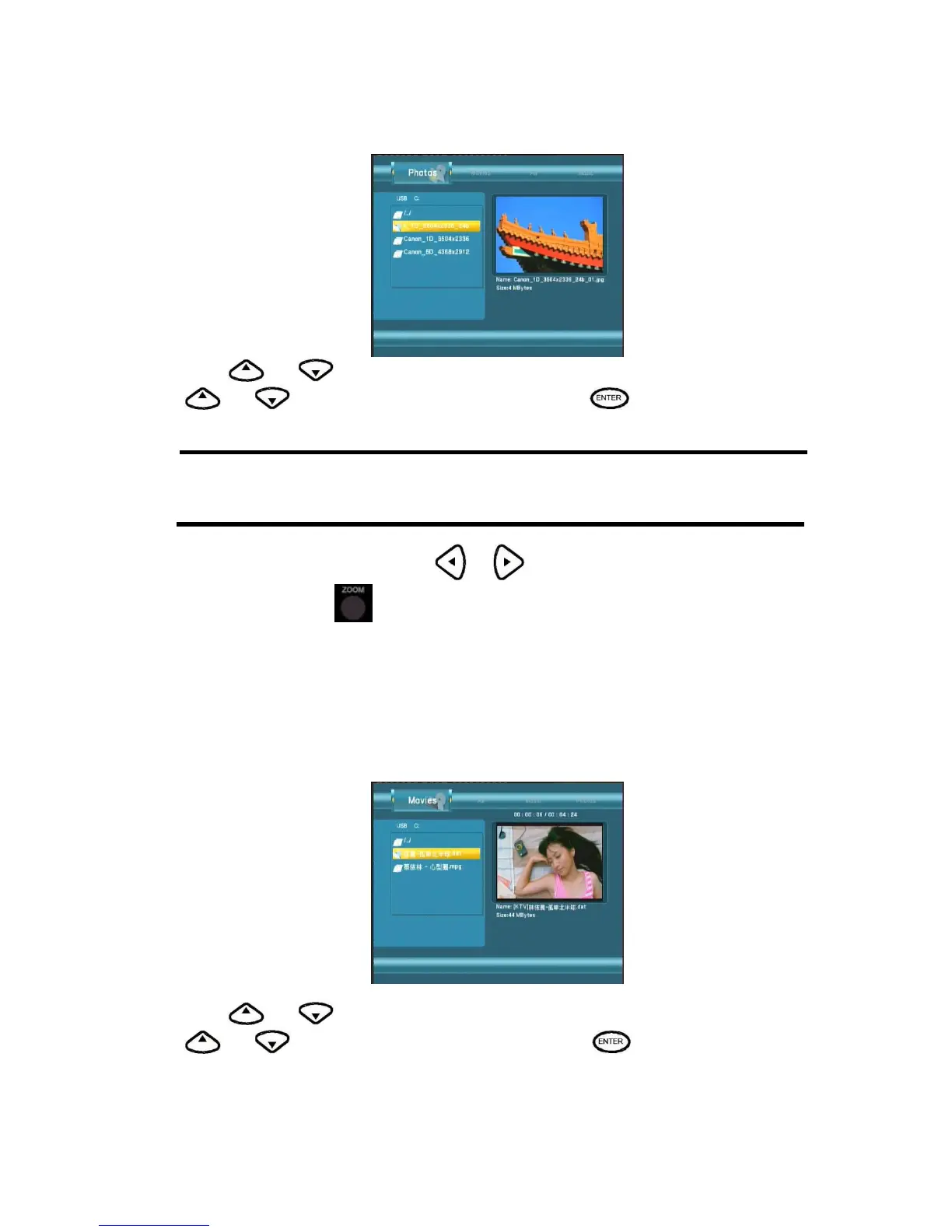
Press
and to select the folder containing your photo files. Enter the folder press
and to select the photo you want to view and press The photo is displayed full
screen.
Note:
1. When the photo is displayed in full screen mode, the slide show starts automatically.
2. While listening to MP3 files, you can browse the photos at the same time.
While browsing a photo, you can press
or to rotate a photo in any angle. Beside rotating
a photo, you can press
to zoom in/out that photo, three zoom levels are available.
This browsing photos function supports High Definition Photo (JPG,JPEG,BMP)Playback.
Browsing Movies
Use the left and right navigation arrows to select the Movies tab.
Press
and to select the folder(s) containing your movie files. Enter the folder press
and to select the movie you want to view and press . The movie is played full
screen.



 To Next Page