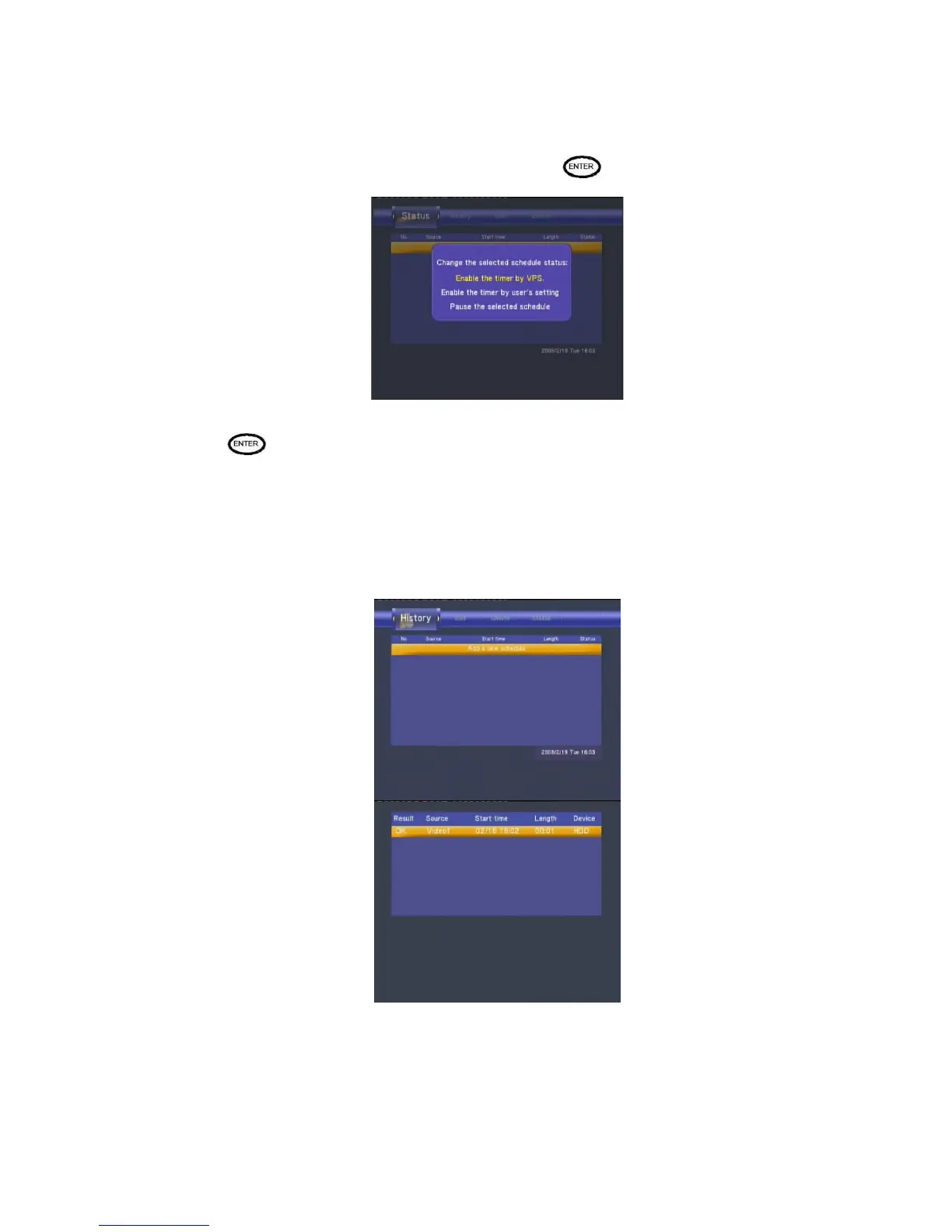
The schedule list is displayed. Select a schedule and press .
Select Enable VPS, Disable VPS or Pause the selected schedule.
Press
to confirm.
Viewing Recording History
Press the left and right navigation arrows on the remote control to select the History tab from the
menu bar.
Here you can view a complete history of all recordings that were set.



 To Next Page