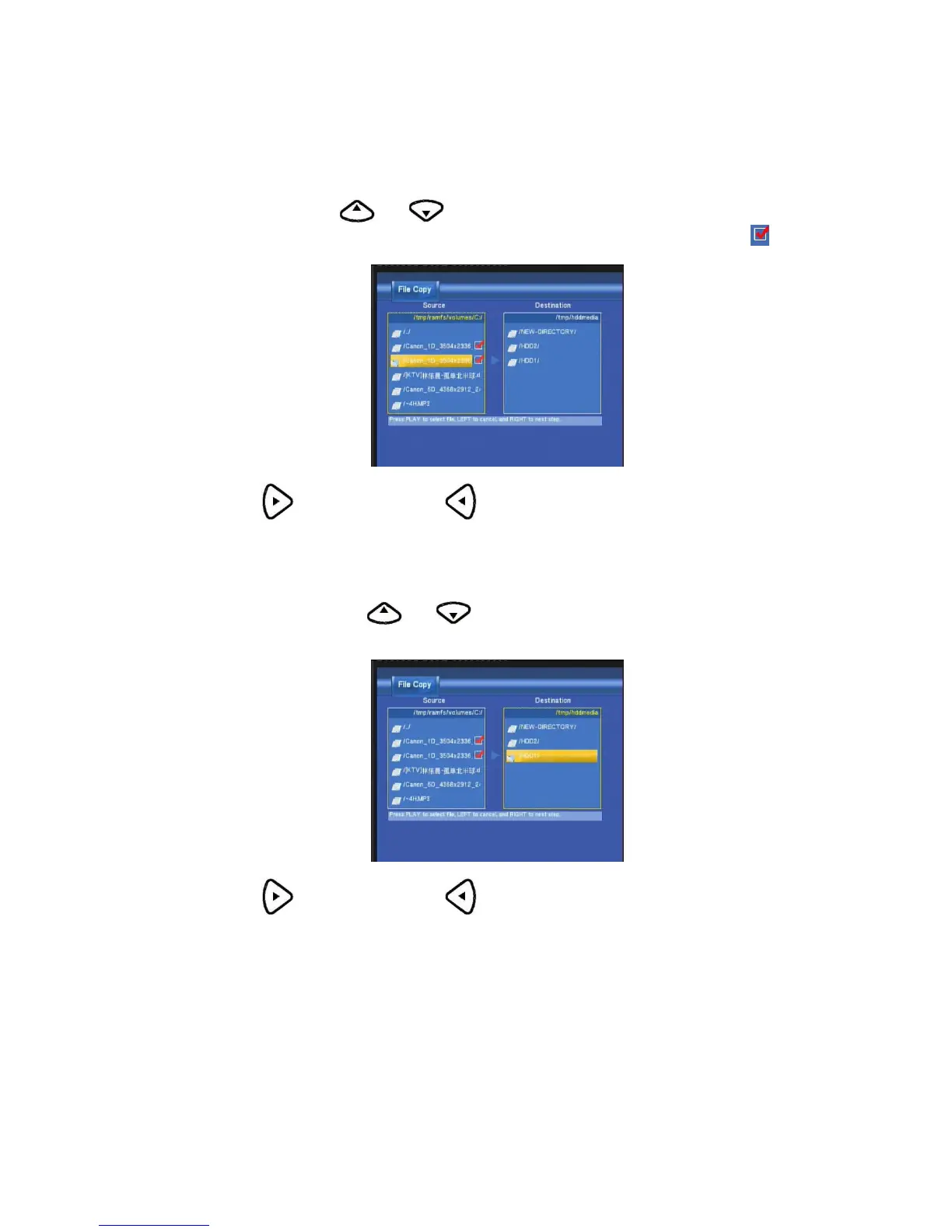
Step 3. Select copy files or folders
At Source sector, press and to select and press Enter to select file or folders which you
want to copy. When you succeed to select, at the file or folder name right side will display
.
Then press
to next step, and press to return.
Step 4. Select the folders of Destination
At Destination sector, press and to select the folders of destination.
Then press
to next step, and press to return.
Step 5. Copy Status
At Pop menu, select OK to copy, select No to cancel.



 To Next Page