This browsing movies function supports High Definition Video(720P,1080i) Playback. For example:
1. MPEG1(DAT ,MPG)
2. MPEG2(VOB, MPG, TS)
3. MPEG4(AVI,DIVX,XVID)
Note:
When play the HD Video, you can according the movie resolution to adjust HD Video output. See
“ HD Output of SETUP menu” on page 18 for more details.
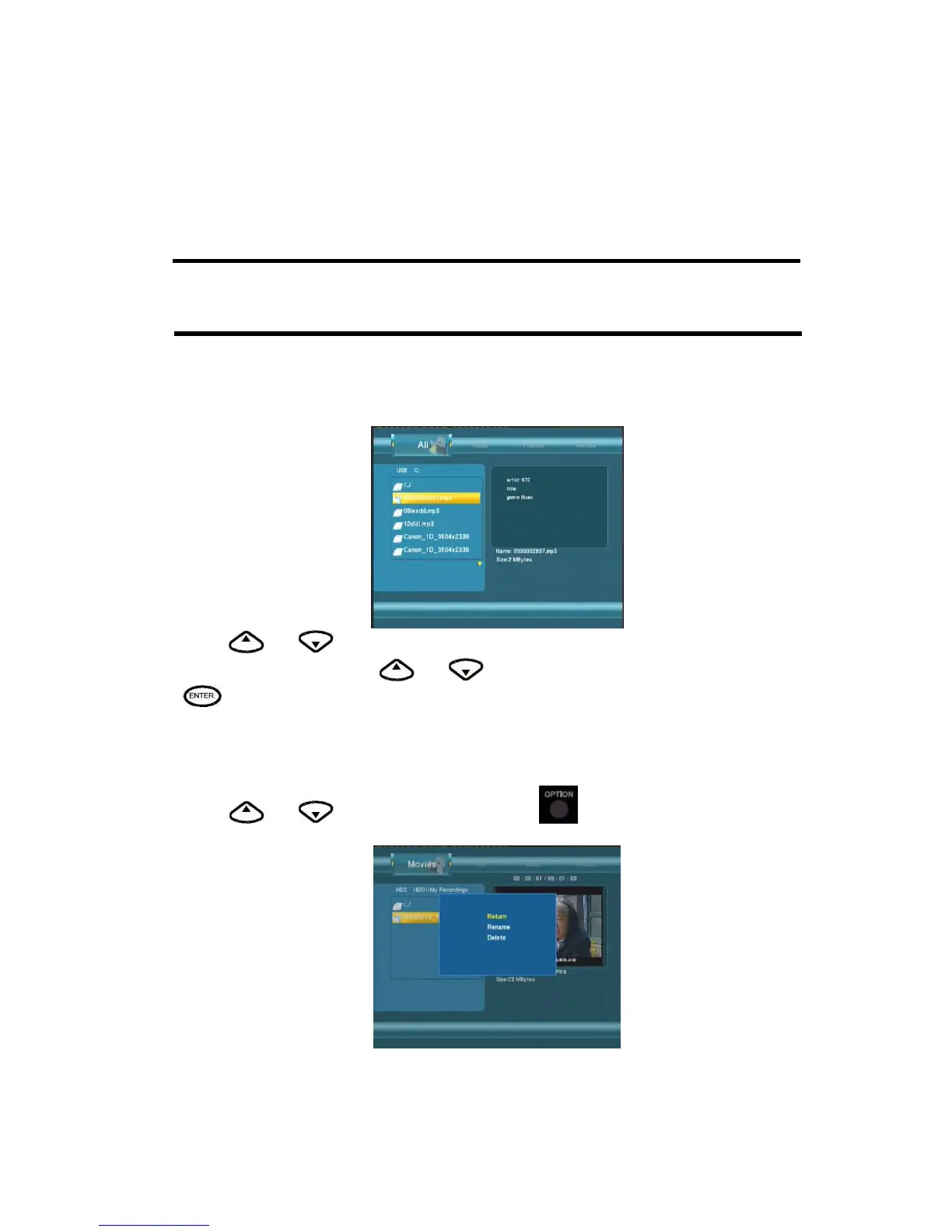
Browsing All
Use the left and right navigation arrows to select the All tab.
Press
and to select the folder(s) containing your all files(Beside Music ,Photo and
Movie). Enter the folder press
and to select the file you want to view and press
to play.
File Edit Menu
Press and to select the file or folder, press to display the Edit tab.



 To Next Page