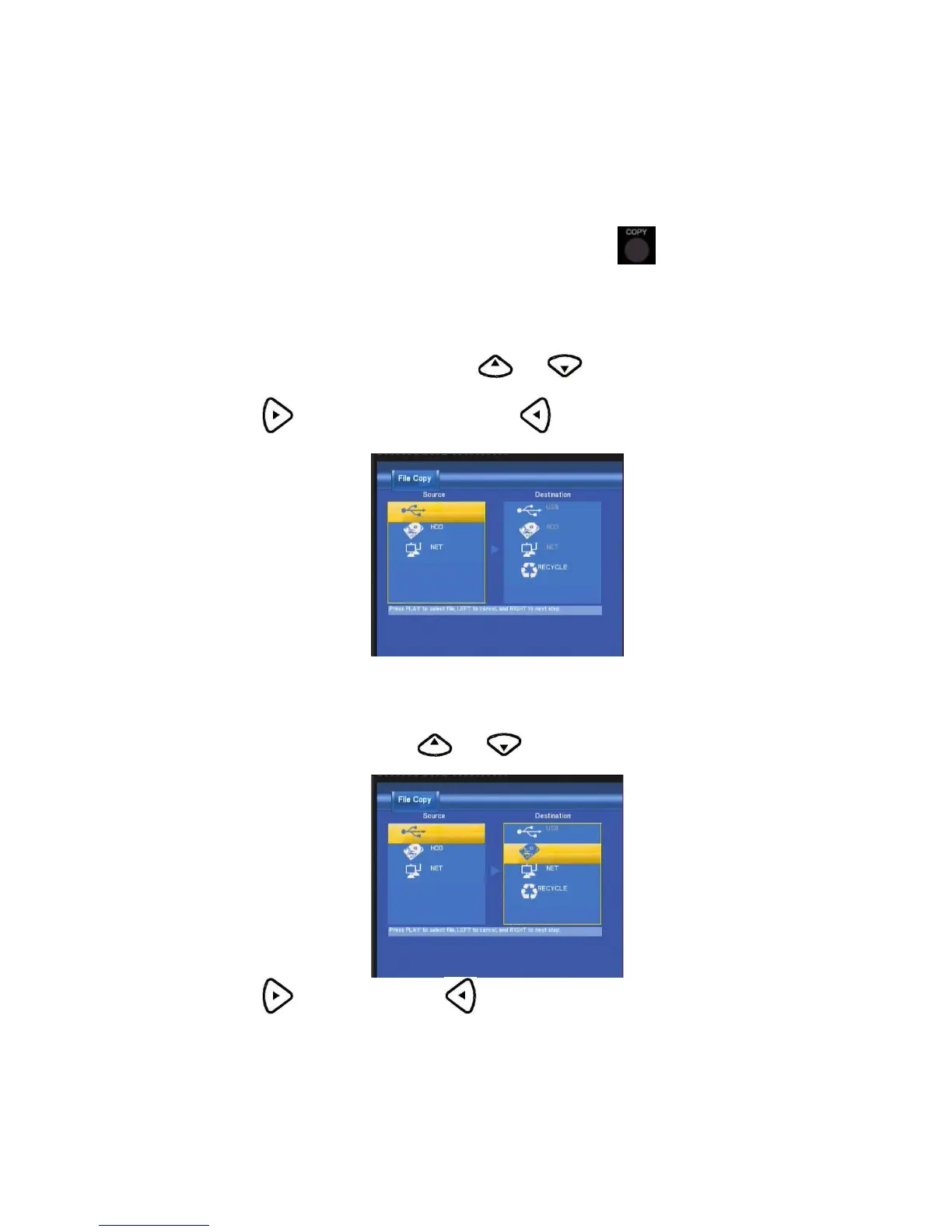
File Copy Menu
The Setup Menu allows you to copy files at NET,USB,HDD each other.
To enter the menu, select File Copy from the Guide menu or select
on the remote control.
Step 1. Select Source Device
When you enter the File copy interface, press and to select the device which your want
to copy first.
Then press
to select Destination Device, press to return.
Step 2. Select Destination Device
When into Destination sector, press and to select the device of the Destination.
Then press
to next step, and press to return.



 To Next Page