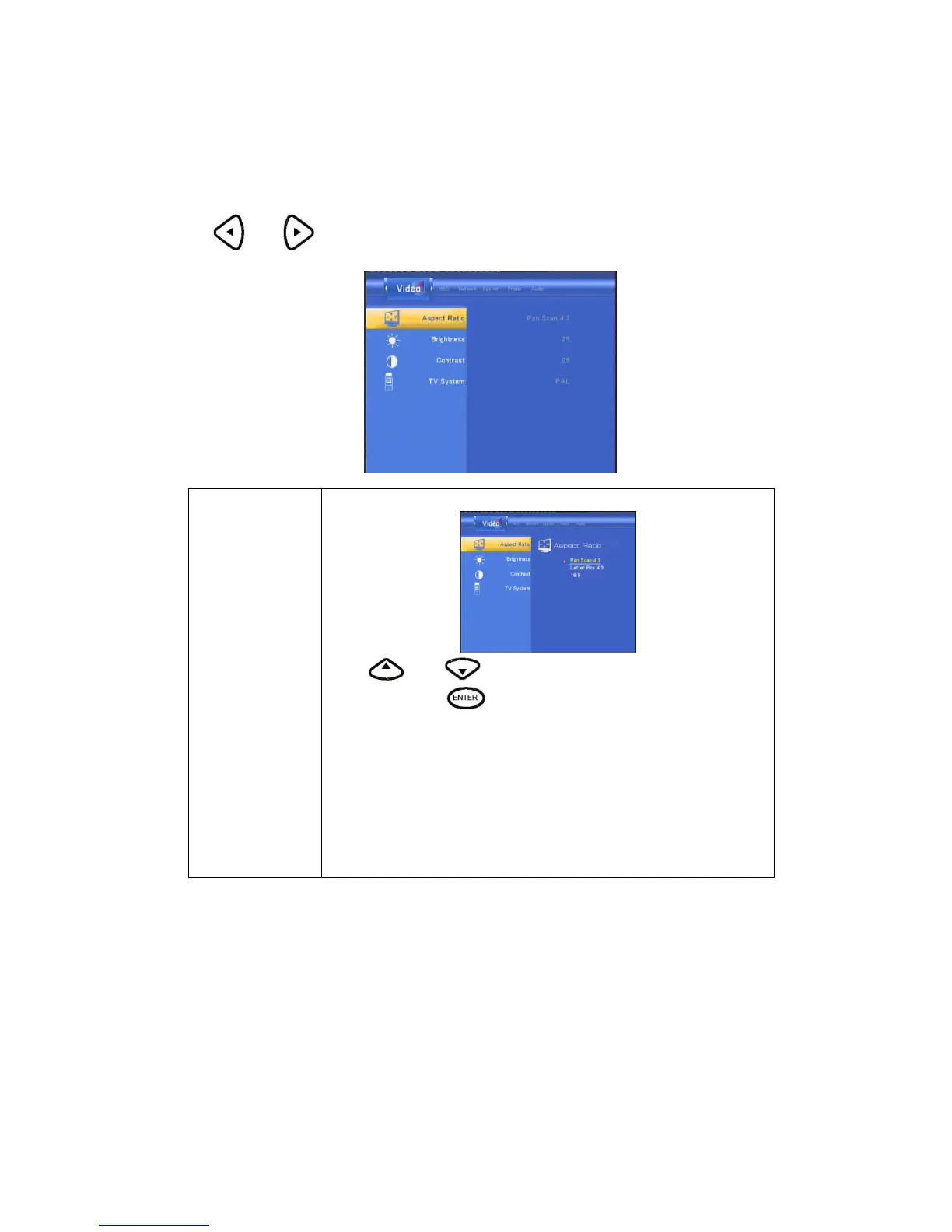
Changing Video Settings
Press and on the remote control to select the Video tab from the menu bar.
Aspect Ratio
Select to set aspect ratio.
Press
and to select from Pan Scan 4:3, Letter Box
4:3, or 16:9. Press
to confirm.
Pan Scan 4:3: Display a wide picture on the entire screen and cuts off
the redundant portions. Select when a standard 4:3 TV is connected.
Letter Box 4:3: Display a wide picture with two black borders on the top
and bottom of 4:3 screen Select when a standard 4:3 TV is connected.
16:9: Compress the image to convert the whole image. Select when a
16:9 TV is connected.



 To Next Page