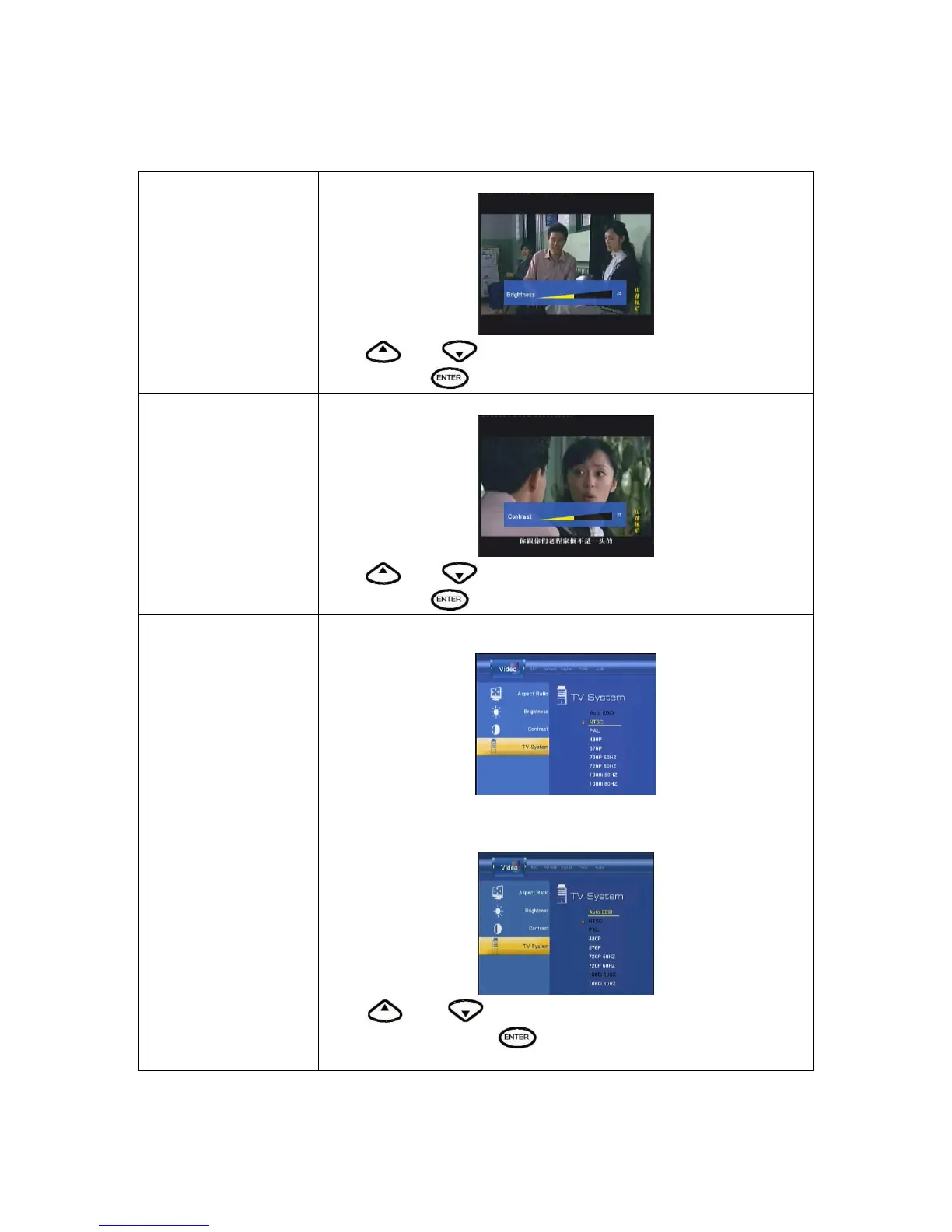
Brightness
Select to set brightness levels.
Press
and to adjust brightness. The new setting is previewed
onscreen. Press
to confirm.
Contrast
Select to set contrast levels.
Press
and to adjust contrast. The new setting is previewed
onscreen. Press
to confirm.
TV System
Select to adjust TV system.
When insert HDMI TV, TV System only choose Auto EDID,480P,576P,720P
50HZ,720P 60HZ,1080i 60HZ.
Press
and to set the HD Resolution, depending on your
viewing preferences. Press
to confirm.



 To Next Page