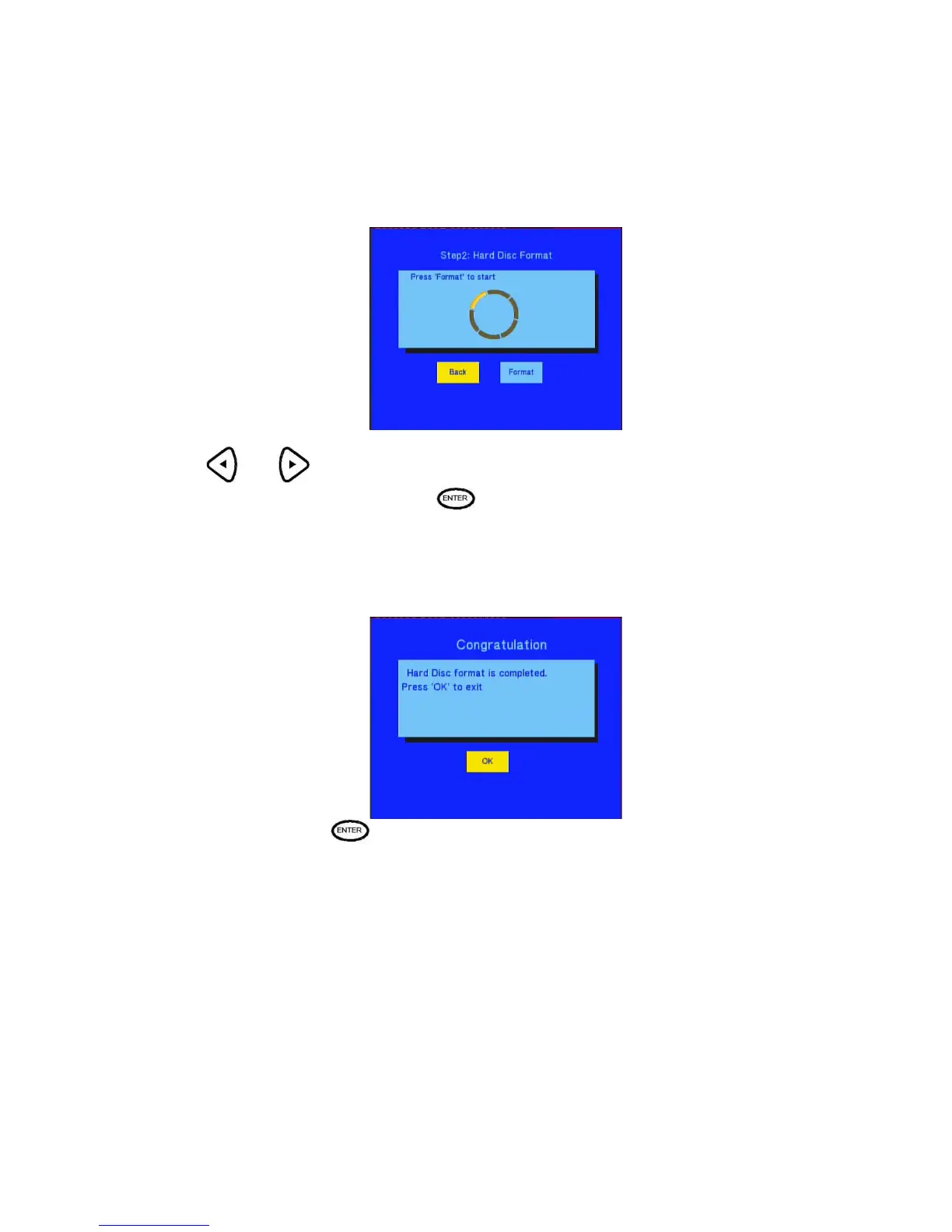
The second step
Step 2: Hard disk format
Press and on the remote control to select back or format.
When highlight move the Format button, Press
to start. Otherwise, select back button to back.
Congratulation page
When complete the format, the system will display the congratulation page.
Select OK button and Press to exit.
When you preparing to format hard drive please consider the file format you planning to used.
FAT 32 is READ and WRITE partition. Data recorded and transfer by network can only be store on
the fat32 partition. ”Please note you can transfer data on the FAT32 by USB too”.
NTFS is READ only partition .Cannot record or transfer data by network onto NTFS partition. “Please
note to transfer data on to NTFS partition is done only by USB and NTFS can support media file over 4GB
which FAT32 cannot”.



 To Next Page