Changing Network Settings
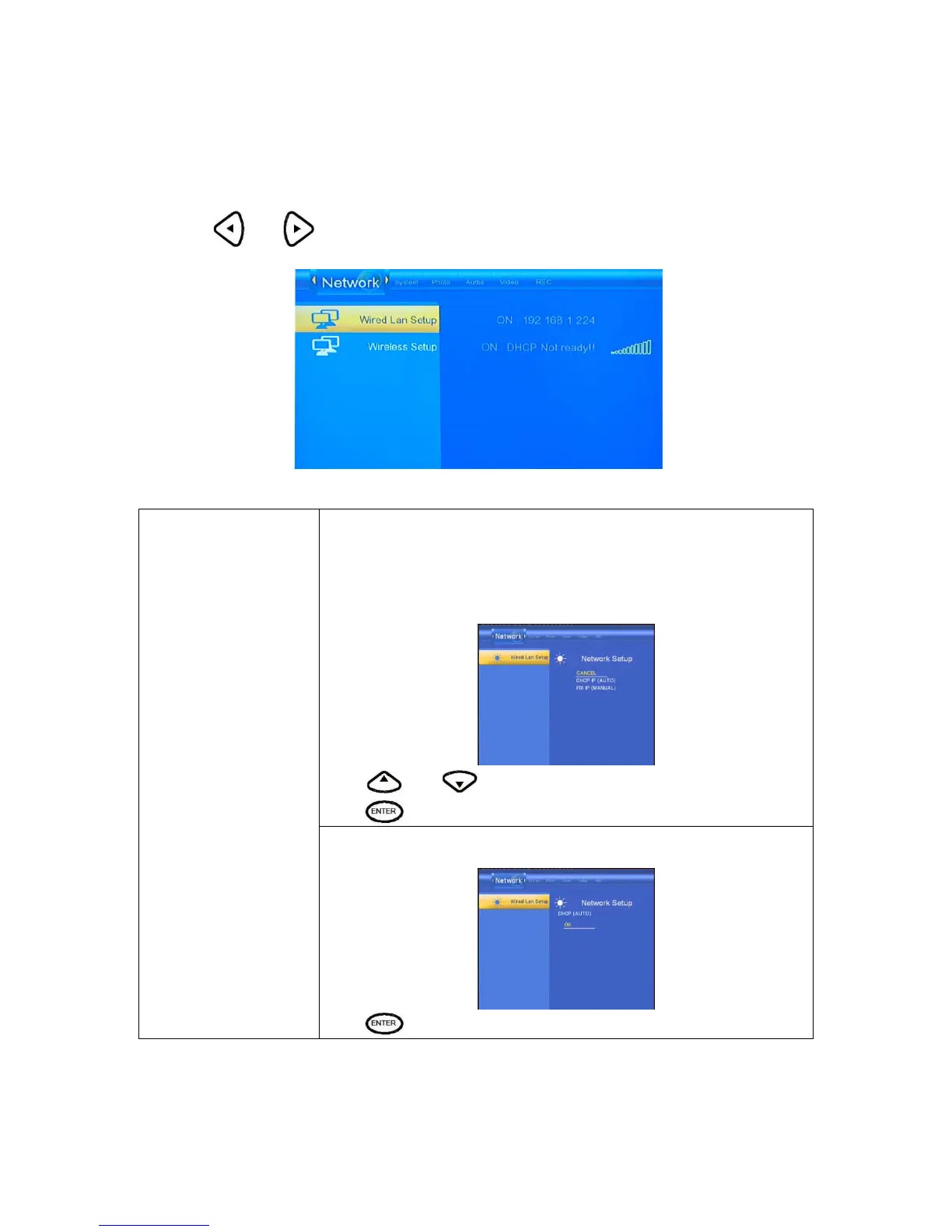
Press and on the remote control to select the Network tab from the menu.
Select to set the Network Setting. Before use the Network functions, please
check following items:
1) Connect the MKAVHDD to Network first.
2) Please enable NetBIOS of TCP/IP on computer.
3) Please turn off your PC’s firewall.
4) Please share the folders which you wish to browse in your PC.
Press
and to select DHCP(AUTO) or FIXED IP(MANUAL).
Press
to confirm.
Wired Lan Setup
DHCP DNS(AUTO)
Set the DNS server IP address by auto.
Press
to confirm.



 To Next Page