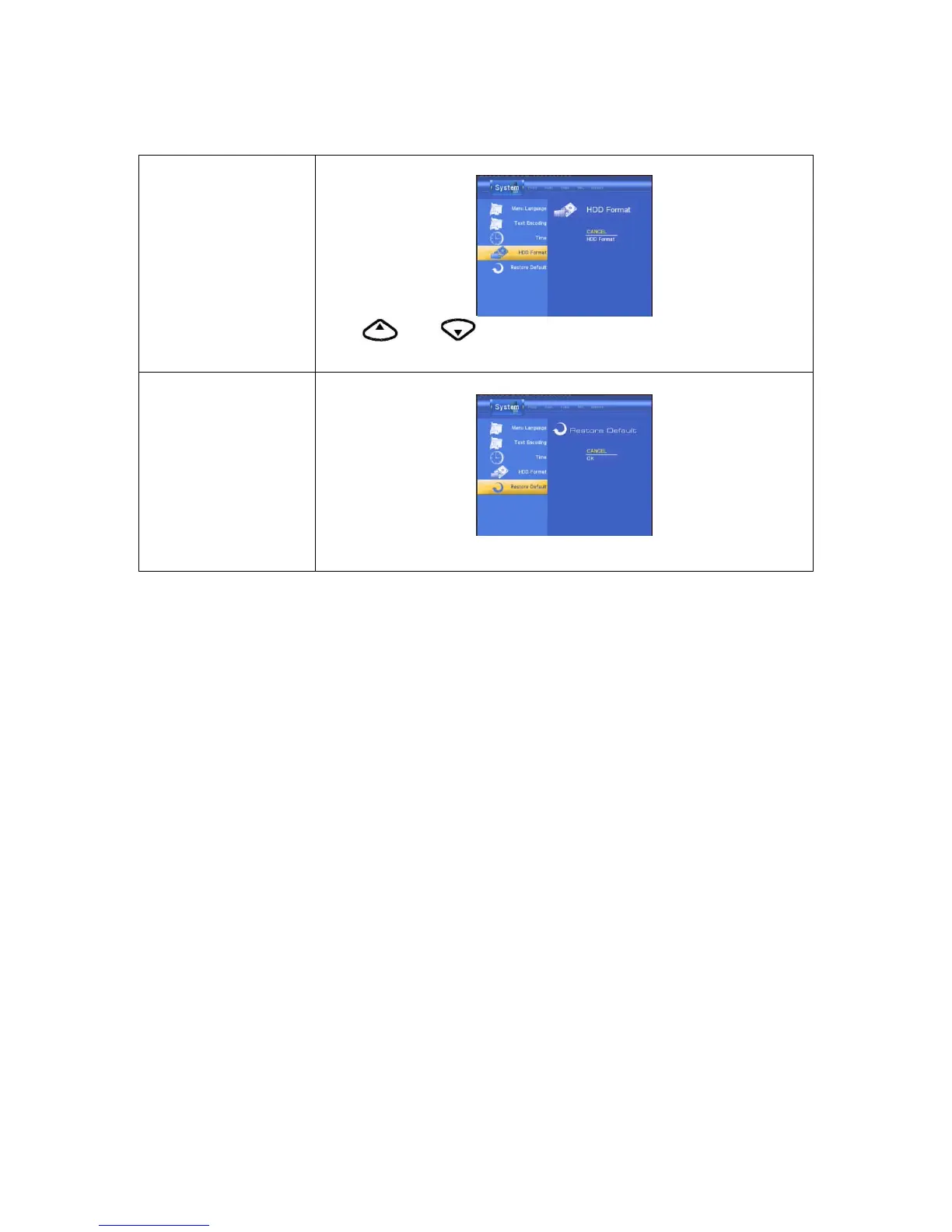
HDD Format
Select to HDD Format.
Press and button on the remote control to select Cancel or
CONFIRM from the menu.
Restore Default
Select to restore factory defaults.
A confirmation message appears. Select CONFIRM and press RETURN to
restore all settings to defaults.
Note:
If you open “system” menu of setup is not operation, please you open the TIMER REC from
main menu and you need not any setup, then close it and return to setup menu.



 To Next Page