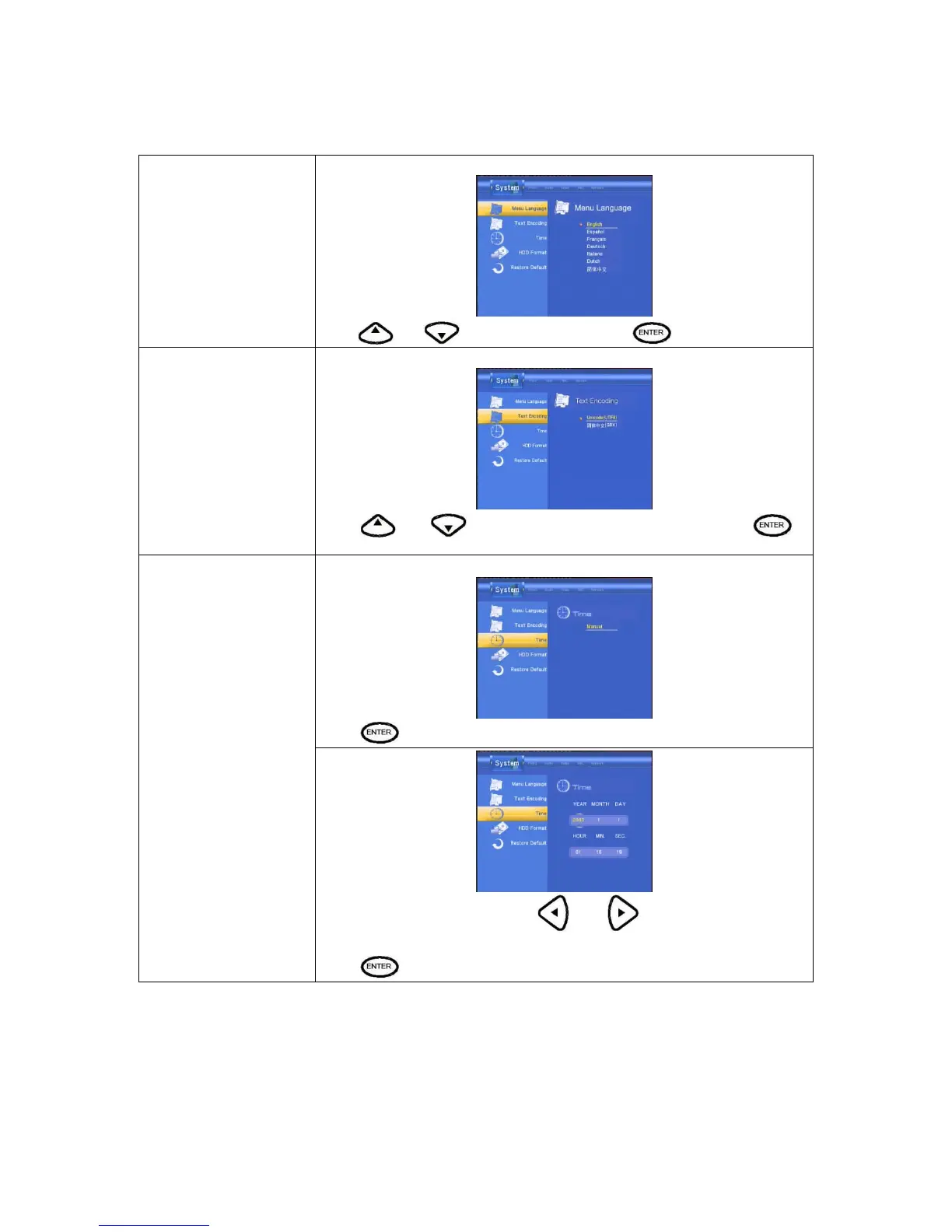
Menu Language
Select to choose the OSD (On Screen Display) language.
Press
and to select the language. Press to confirm.
Text Encoding
Select to choose the text encoding language.
Press
and to select the text encoding language. Press to
confirm.
Select to set the system time.
Press
and enter Manual setup.
Time
Enter the system menu and press
and to select each field and
the up and down navigation arrows to adjust each setting.
Press
to confirm.



 To Next Page