Return
Select to return to the main screen.
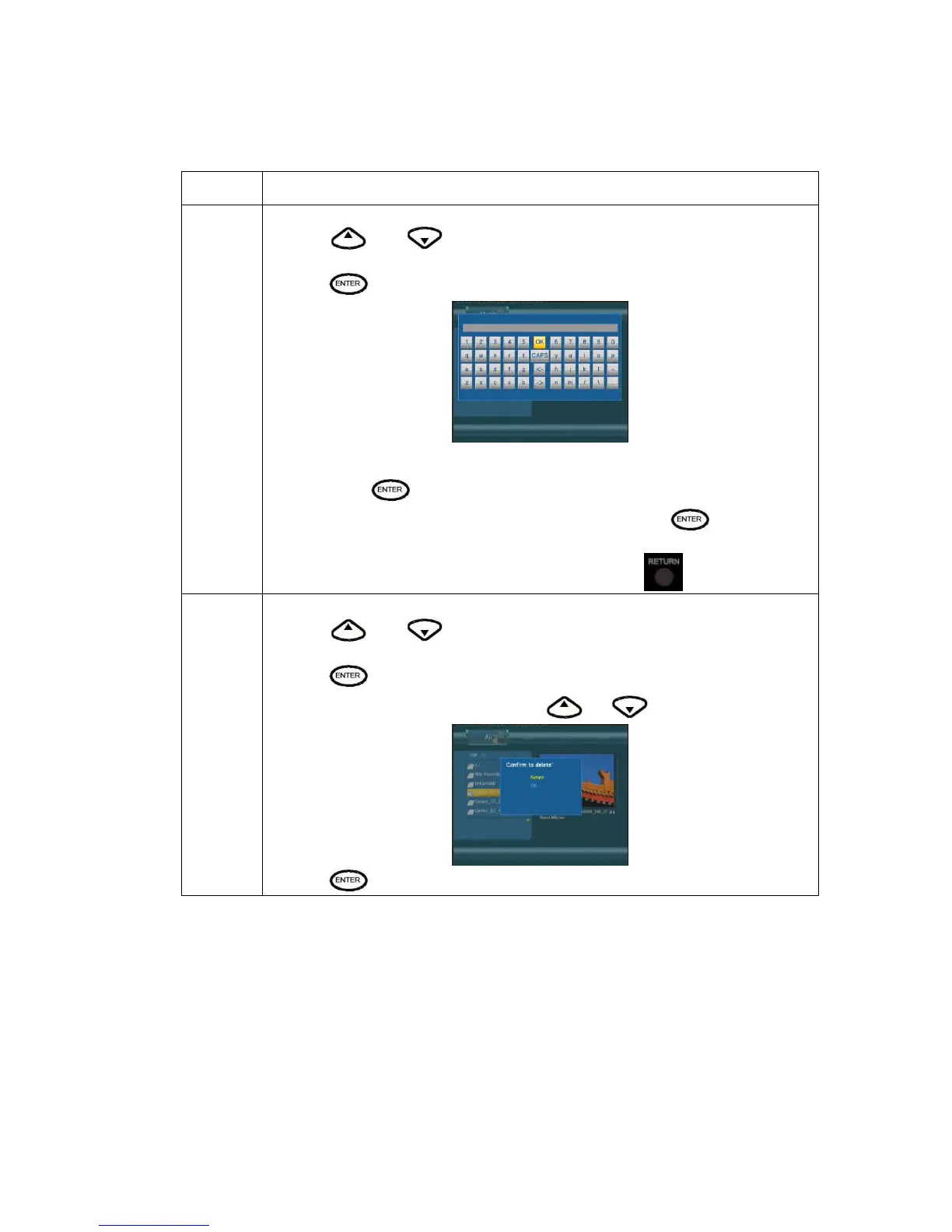
Rename To rename a file, do the following:
1. Press
and on the remote control to select the Rename tab from the
menu bar.
2. Press
on the remote control. The name entry screen appears.
3. Use the navigation arrows to select letters and numbers. Select CAPS to toggle
between uppercase and lowercase letters. Press <- to delete a letter. Press -> to insert
a space. Press
to input each letter or number.
4. Once you have entered the new name, select OK and press
to confirm all
changes.
If you want to cancel the naming during the process, press
Delete
To delete a title, do the following:
1. Press
and on the remote control to select the Delete tab from the
menu bar.
2. Press
to confirm and delete the file.
3. A confirmation message appears. Press
or and select OK.
4. Press
to delete the selected file. To cancel delete, select Return.



 To Next Page