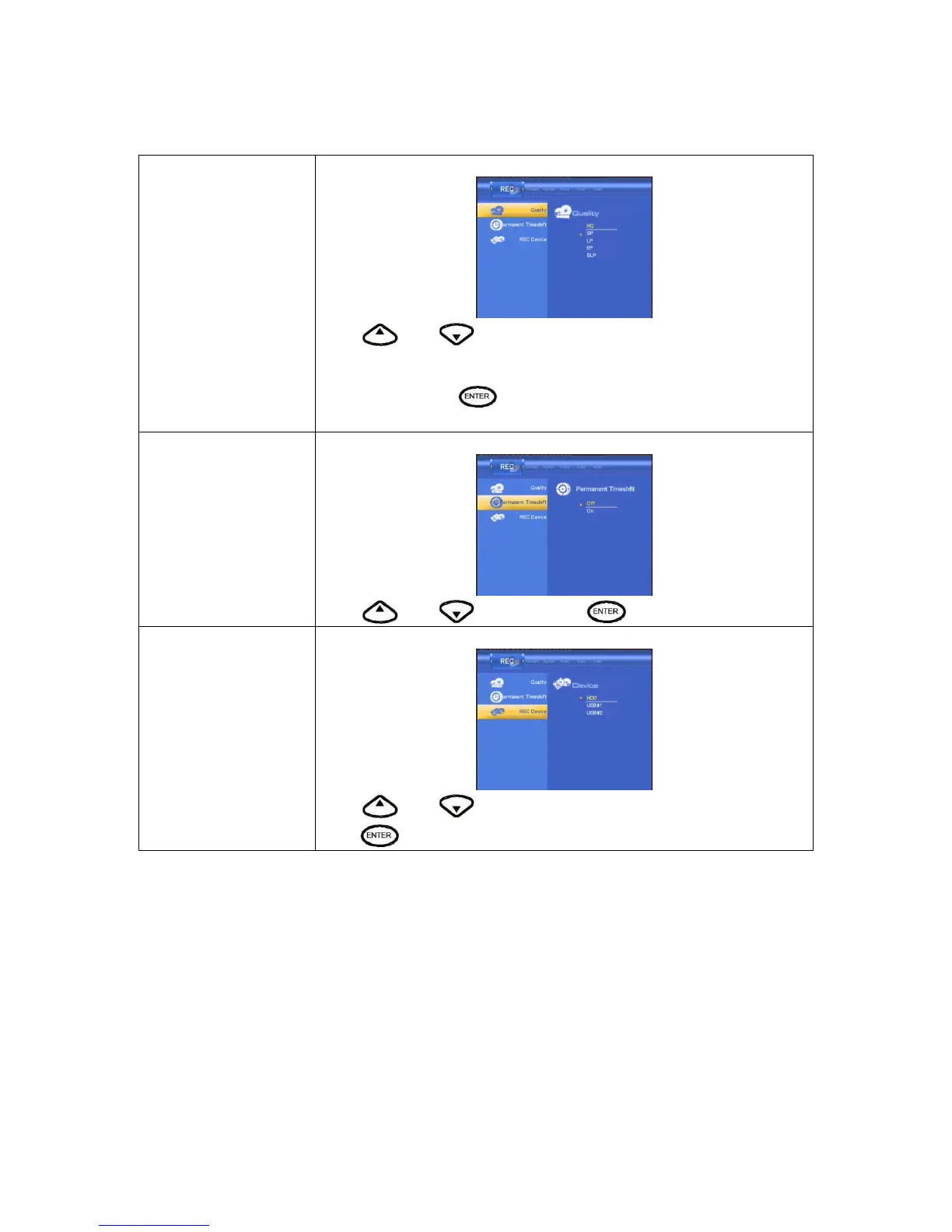
Quality
Select to set the default recording quality setting.
Press
and to select the quality setting you require.
The highest quality setting is HQ which requires the most storage space. The
other settings reduce recording quality sequentially but also require less
storage space. Press
to confirm.
Permanent timeshift
Select to set the Permanent timeshift on or off.
Press
and to select. Press to confirm.
Record Device
Select to choose the device to which to record .
Press
and to select to record on either HDD or USB.
Press
to confirm.



 To Next Page