User’s Manual - 9
Copyright(c) 2007, Sun Microsystems, Inc. All rights reserved.
On-Screen Display
OSD How to adjust
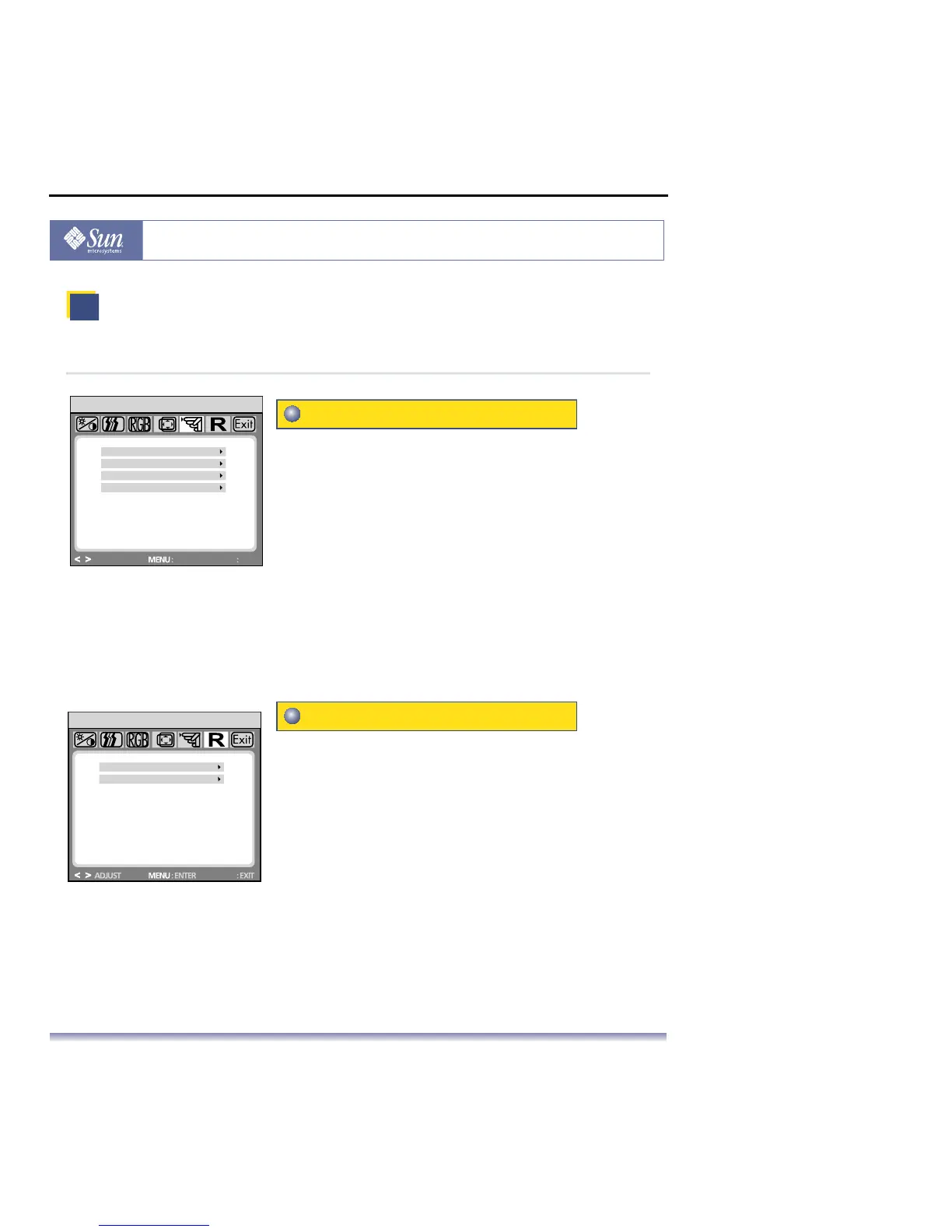
Other
Other
Reset
Language: English, French, German, Italian, Netherlands,
Polish, Russian, Spanish .
Input: Controls the selection of the input signal. The monitor
allows you to make the following connections: analog
graphics card via the 15-pin mini HD-15 interface,
digital graphics card via the 24-pin DVI-D interface.
Information: There is an optional OSD window (on/off) that
displays the newly adjusted screen resolution
settings.
Autoswitch: This option allows you to decide if the auto
adjustment function should take effect after
each change to the monitor’s resolution.
Yes:
Resets the monitor to original factory settings.
No: Exits the reset function without changing the settings.
LANGUAGE
OTHER
INPUT
INFORMATION
AUTO SWITCH
64.2KHz / 60.2Hz +/+
1280X1024 108MHZ
ADJUST
ENTER
EXIT
HD15
SRC
YES
RESET
NO
HD15
SRC



 To Next Page