Tips:
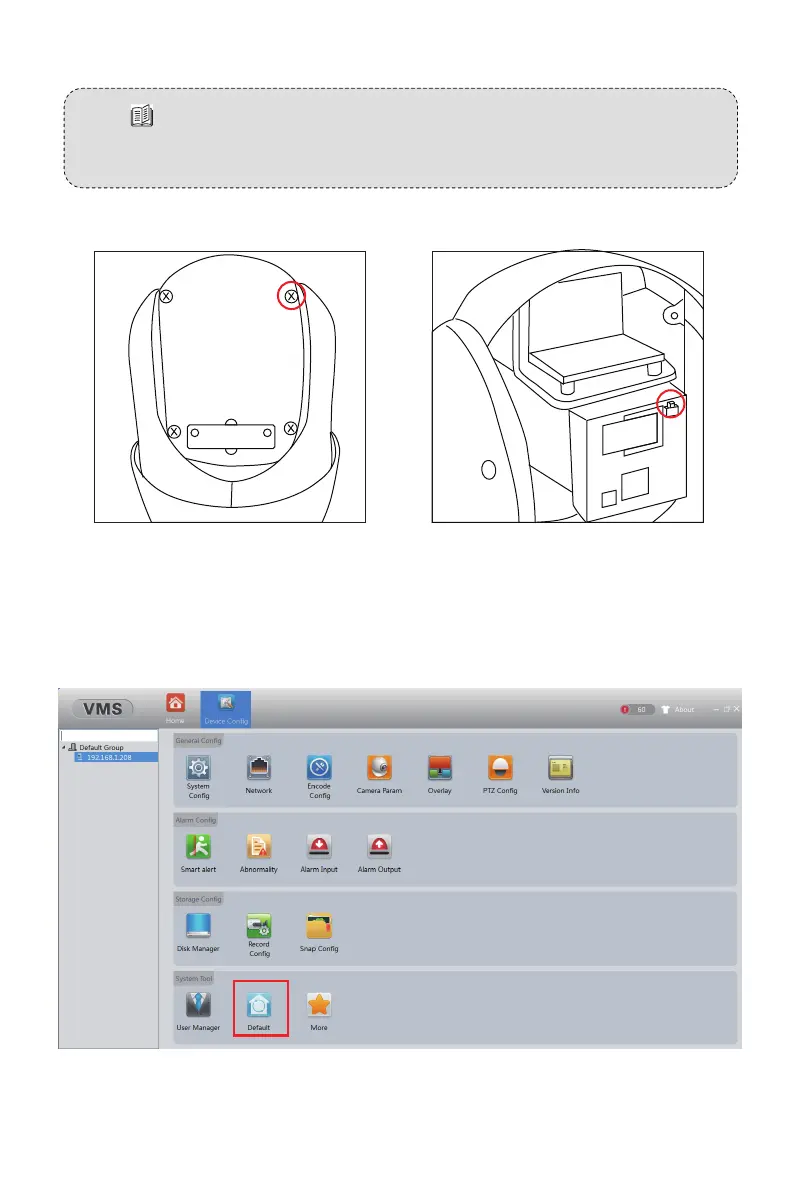
If the search fails, please refer to the following two ways to default the
camera, and then refer to the above steps to search again.
1. Please manually press the button to default the camera as shown below
2. You can directly connect the camera with a PC or laptop, and default the
camera via VMS/IE browser.
- 10 -
Remove the 4 screws to take
off the camera back cover.
Press and hold the black button
for about 8~10 seconds.



 To Next Page